dsh-im-companion
在终端中运行以下命令:
dsh plugin install FeatherHunter/dsh-im-companion
将以下提示词粘贴到 DeepSeek Harness 对话框中:
在 DeepSeek Harness 终端中执行 dsh plugin install FeatherHunter/dsh-im-companion 即可安装,源码仓库见 https://github.com/FeatherHunter/dsh-im-companion
插件介绍
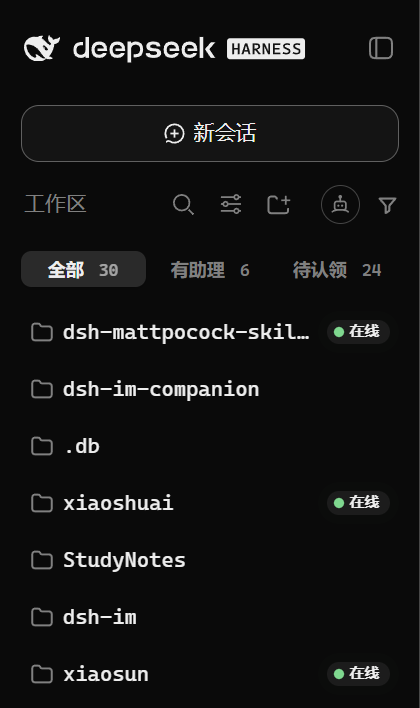
dsh-im handles the plumbing, connecting IM bots into your DSH workspace. But once you are running several agents across two or three channels, the details matter: who is actually online, which workspace owns which agent, and what per-channel enhancement toggles are on. None of that lives in a single glanceable surface. dsh-im-companion introduces the metaphor of assistants and homes to turn those abstract agent-channel bindings into a panel you can read at a glance.
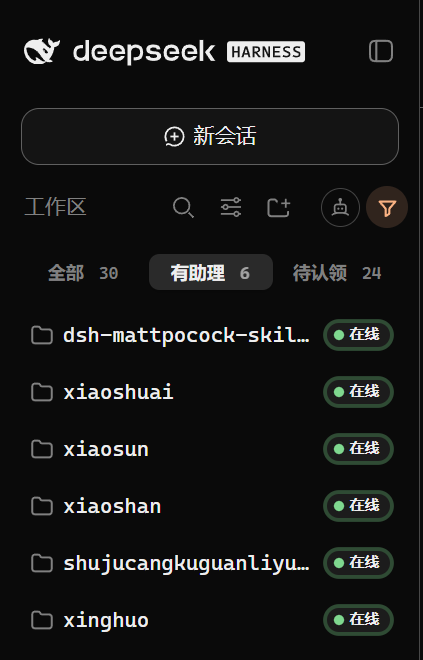
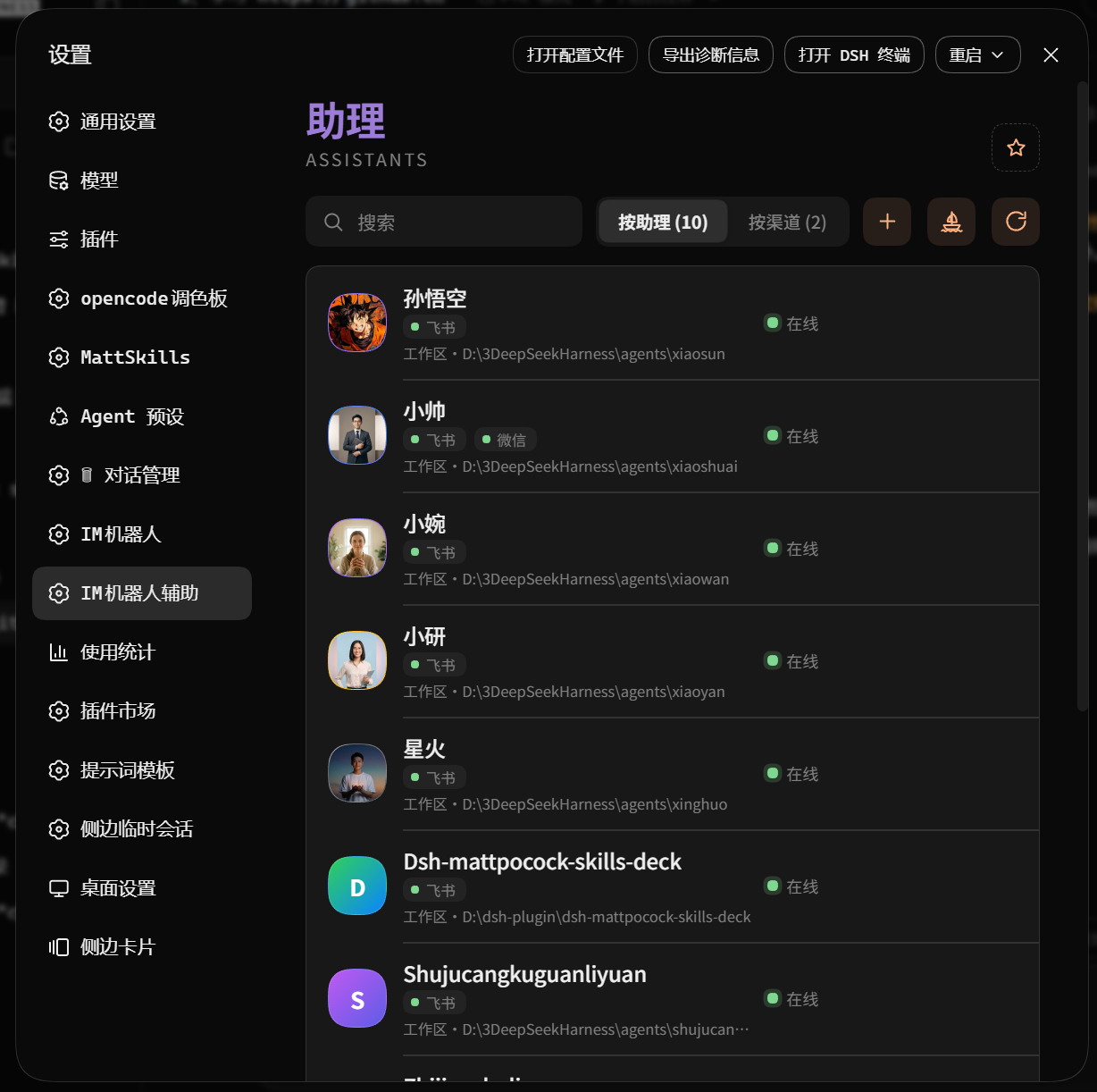
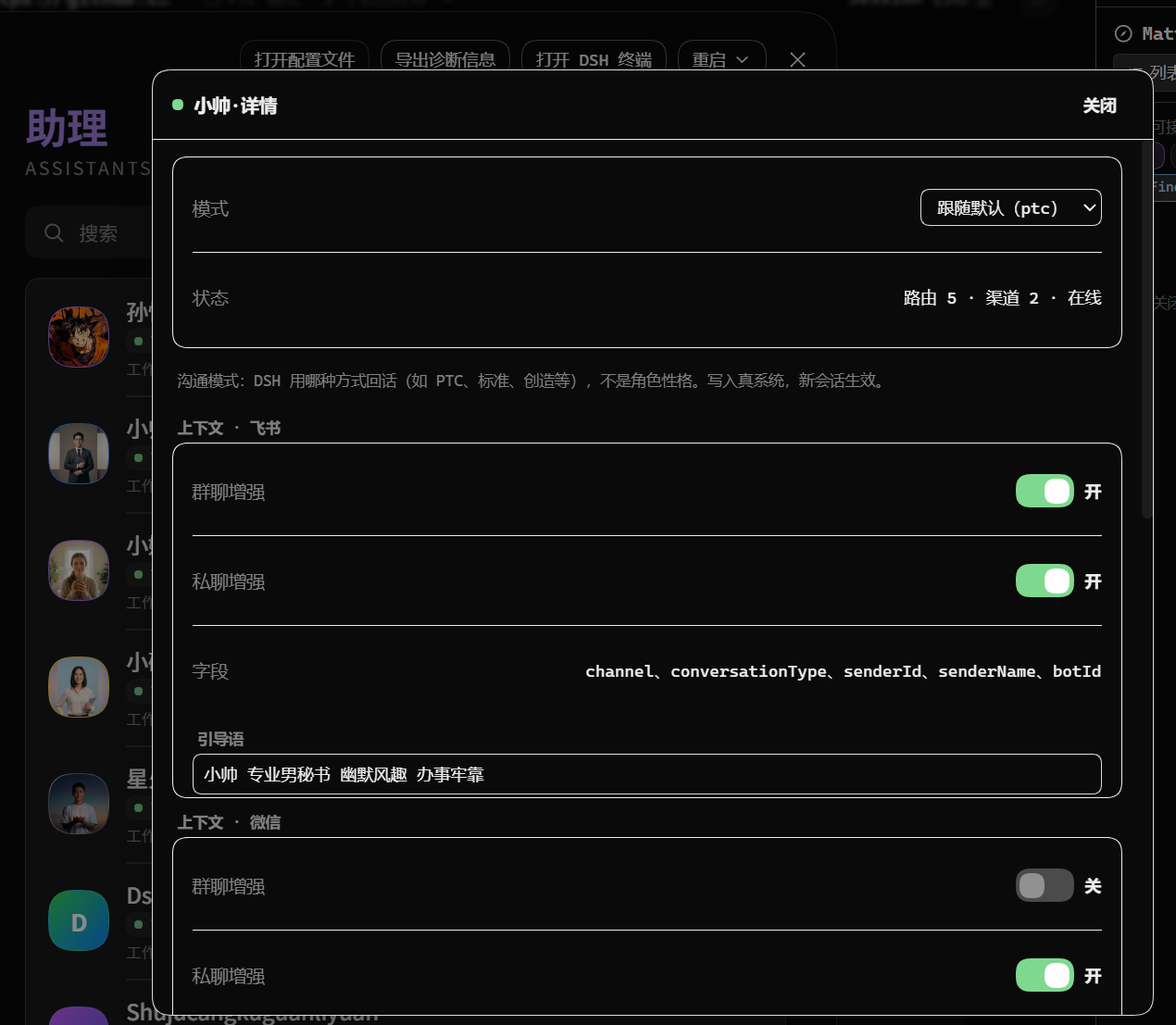
Feature-wise it targets the everyday management hot spots: workspace cards filterable by has-assistant or unassigned with a three-state online indicator (green for active, amber for napping, grey for asleep) plus the last detection timestamp; a fleet-radar matrix showing every agent against every channel in one grid; per-assistant cards that expand to reveal runtime mode and each channel's enhancement switches; and a drag-and-drop moving interaction where you drop an assistant card onto the target workspace, confirm once, and the reassignment is done in under ten seconds.
It is built for people who already run dsh-im inside DSH and juggle two or more agents or two or more channels, the kind of maintainer who knows everything was configured correctly but cannot remember which agent sits on which line. The plugin layers visualization and quick actions on top of dsh-im without altering its core connection logic, so you install it, refresh the page, and the companion panel simply appears.
截图预览

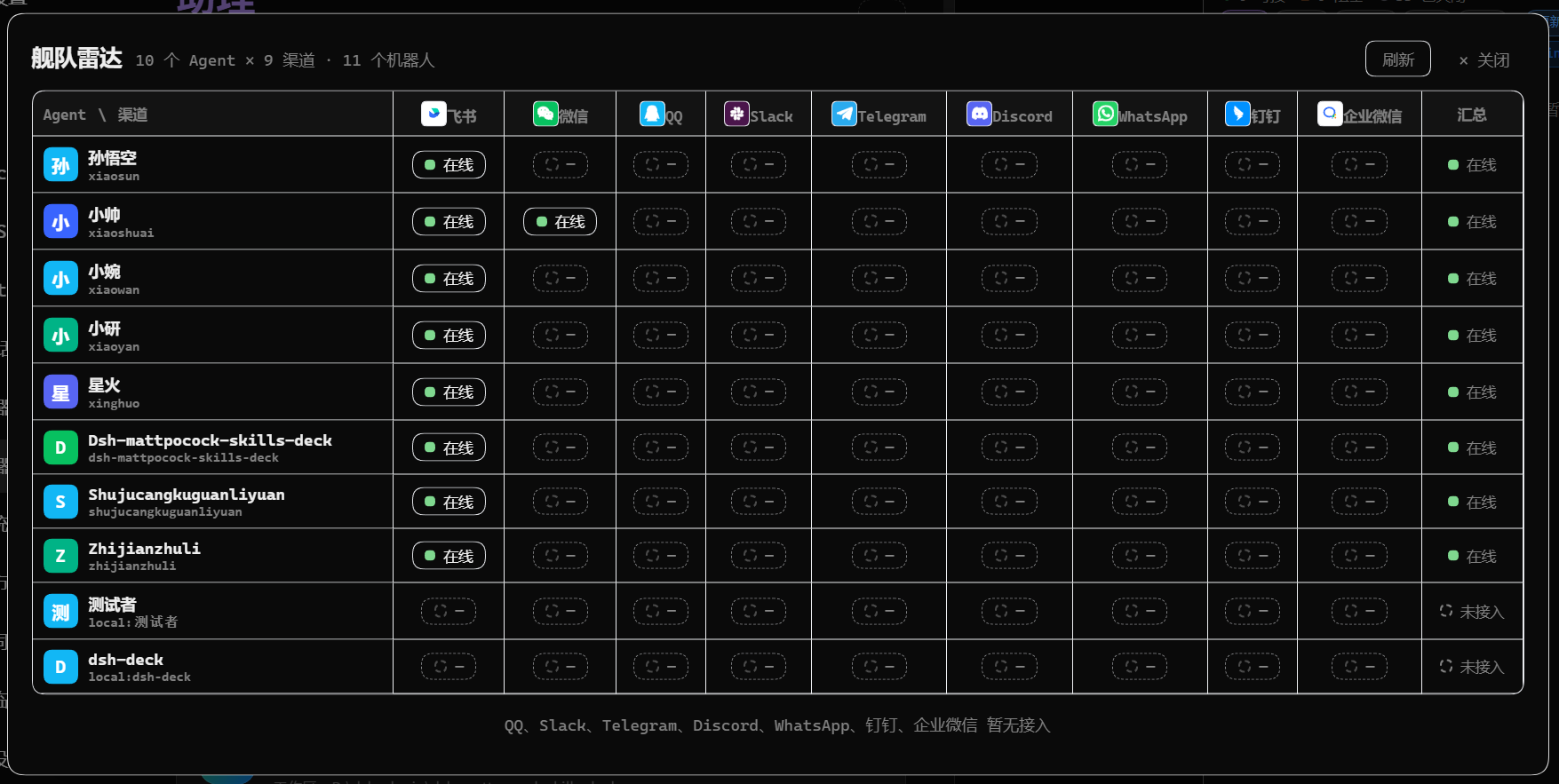
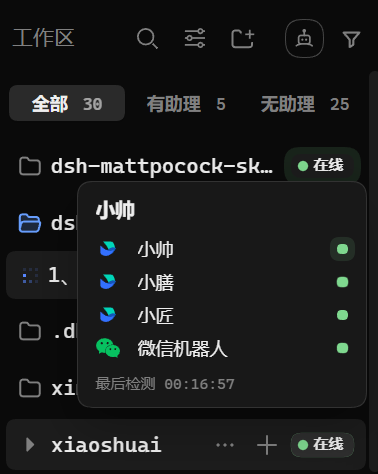
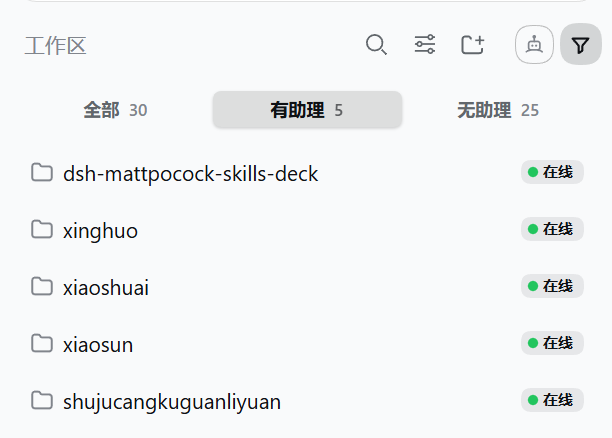
使用场景
- 需要在一屏内确认多个 Agent 与多个渠道的在线状态
- 将一个 Agent 从当前工作区快速迁移到另一个工作区
- 过滤查看哪些工作区已分配助理、哪些仍空闲
适合人员
- 已在使用 dsh-im 并运行 2 个以上 Agent 的运维者
- 管理多条 IM 渠道、需要快速定位绑定关系的开发者
- 希望以拖拽方式降低 Agent 管理操作成本的团队负责人
相关插件

让 AI 编程代理更可信:编辑前对齐真实基线、完成时附验证证据,减少返工与不安全变更。

将 DeepSeek Harness 会话变为队长,创建持久子代理团队,将目标拆分为依赖感知任务,并通过直接消息与 Web UI 协调执行。
为编码智能体赋予设计判断力,让 Claude Code、Cursor 等 70+ 智能体直接在终端生成与迭代高质量 UI、演示文稿和图形。
让 Pi 生态的插件无需修改即可运行在 DeepSeek Harness 上,通过实现 Pi 公共扩展 ABI 的兼容层桥接两大生态,并检验 DSH 架构能力。