dsh-wayland-use
在终端中运行以下命令:
dsh plugin install Ganglith/dsh-wayland-use
将以下提示词粘贴到 DeepSeek Harness 对话框中:
在 DeepSeek Harness 中执行 dsh plugin install Ganglith/dsh-wayland-use 即可安装,源码仓库为 https://github.com/Ganglith/dsh-wayland-use。
插件介绍
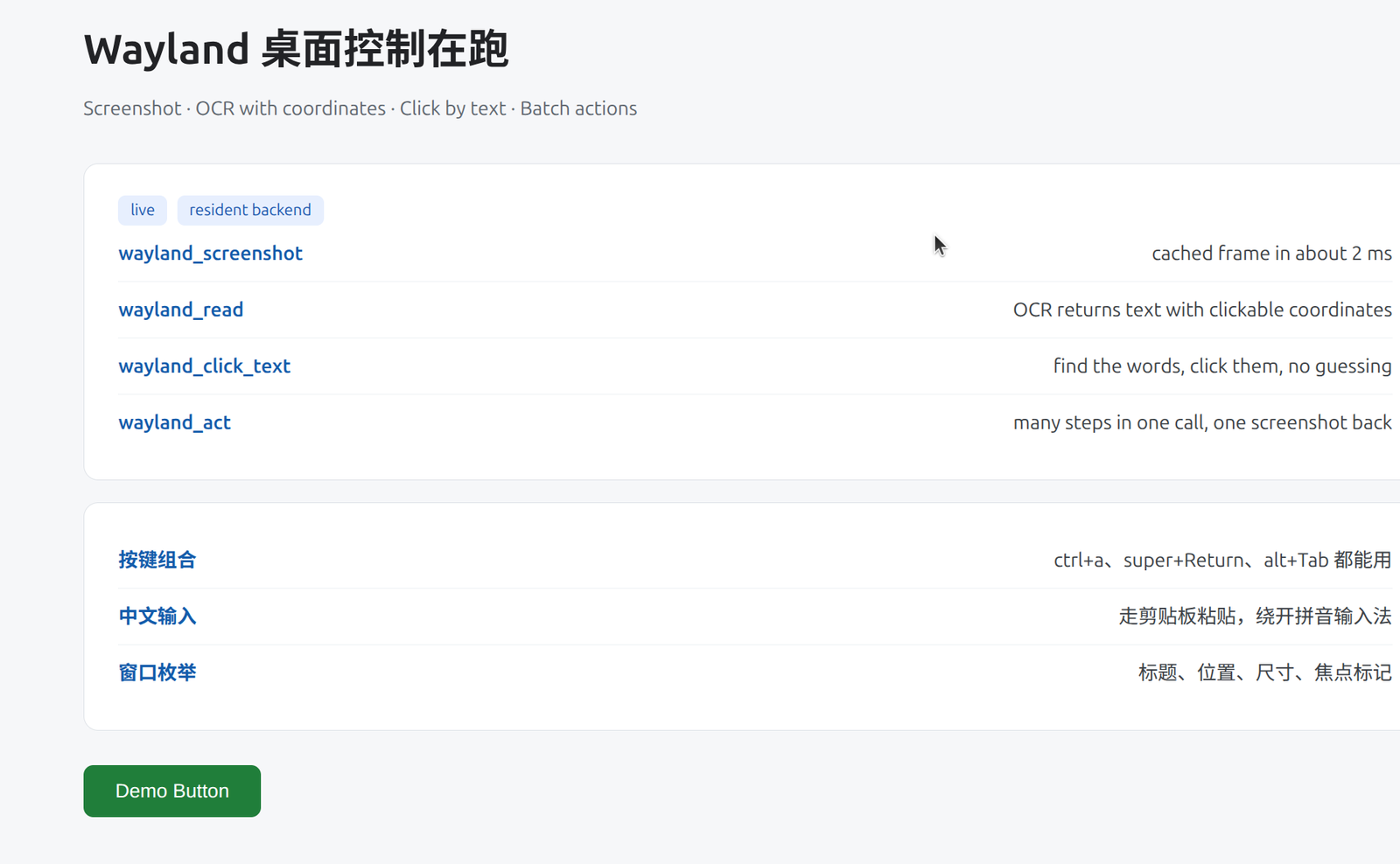
在纯 Wayland 桌面里,很多「自动化」仍停留在 XWayland 或 xdotool 层,看起来在动鼠标,实际控不到原生窗口。本插件为 DeepSeek Harness 提供 Wayland 原生路径:通过 Mutter 的 RemoteDesktop 与 ScreenCast 两条 D-Bus 会话读写桌面,点击、按键与截图在真实 Wayland 会话里生效。
架构上采用常驻 Python 后端,Mutter 会话与 GStreamer 管道只建一次,后续截图、按键多在毫秒级完成;静止画面可复用 PipeWire 缓存帧,批量动作则集中在 wayland_act 一次往返,减少 Agent 与桌面之间的往返延迟。配套 wayland_read 做带坐标的 OCR,wayland_windows 列窗口与焦点,wayland_click_text 按文字点击,坐标体系统一为逻辑像素,可与 OCR 与窗口信息直接互用。
适合在 GNOME/Mutter 的 Wayland 会话里跑桌面 Agent、UI 测试或需要「看屏—理解—操作—再截图」闭环的工作流。若你受限于 X11 工具在 Wayland 上失效,或希望比逐步调用更快的批量桌面控制,这个插件是对准该场景写的。
截图预览
使用场景
- 在纯 Wayland 下让 Agent 完成点击、输入与截图闭环
- 按屏幕文字定位并点击,无需手写坐标
- 一次 wayland_act 批量执行多步操作并返回最终截图
适合人员
- 在 GNOME/Mutter Wayland 上部署 DeepSeek Harness 的开发者
- 需要原生 Wayland 自动化而非 XWayland 工具的测试与运维
- 构建「读屏—操作—验证」桌面 Agent 的团队
相关插件

在 Agent 里用一句话生成可交付设计:可点击原型、可编辑幻灯片、发布动效、信息图与小红书图文,适配 Cursor 等 Skills 环境。

智能体技能:模型只写 Markdown 草稿,CLI 快速生成可离线阅读的单文件 HTML 页(含图表与表格),输出约为直接手写 HTML 的八分之一。
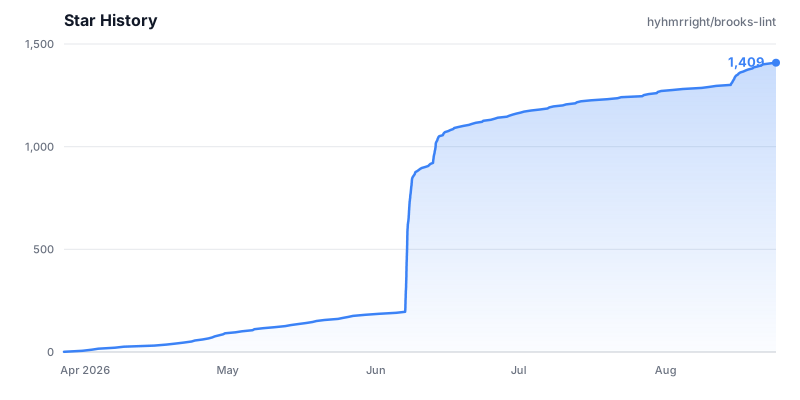
基于十二本经典工程书籍,以六大衰退风险维度评审代码,输出可溯源的结构化诊断与健康分。

让 AI 编程代理更可信:编辑前对齐真实基线、完成时附验证证据,减少返工与不安全变更。