dsh-gemini-m3e-theme
在终端中运行以下命令:
dsh plugin install makajo/dsh-gemini-m3e-theme
将以下提示词粘贴到 DeepSeek Harness 对话框中:
在 DeepSeek Harness 终端中运行 dsh plugin install makajo/dsh-gemini-m3e-theme 即可完成安装,插件源码仓库为 https://github.com/makajo/dsh-gemini-m3e-theme 。
插件介绍
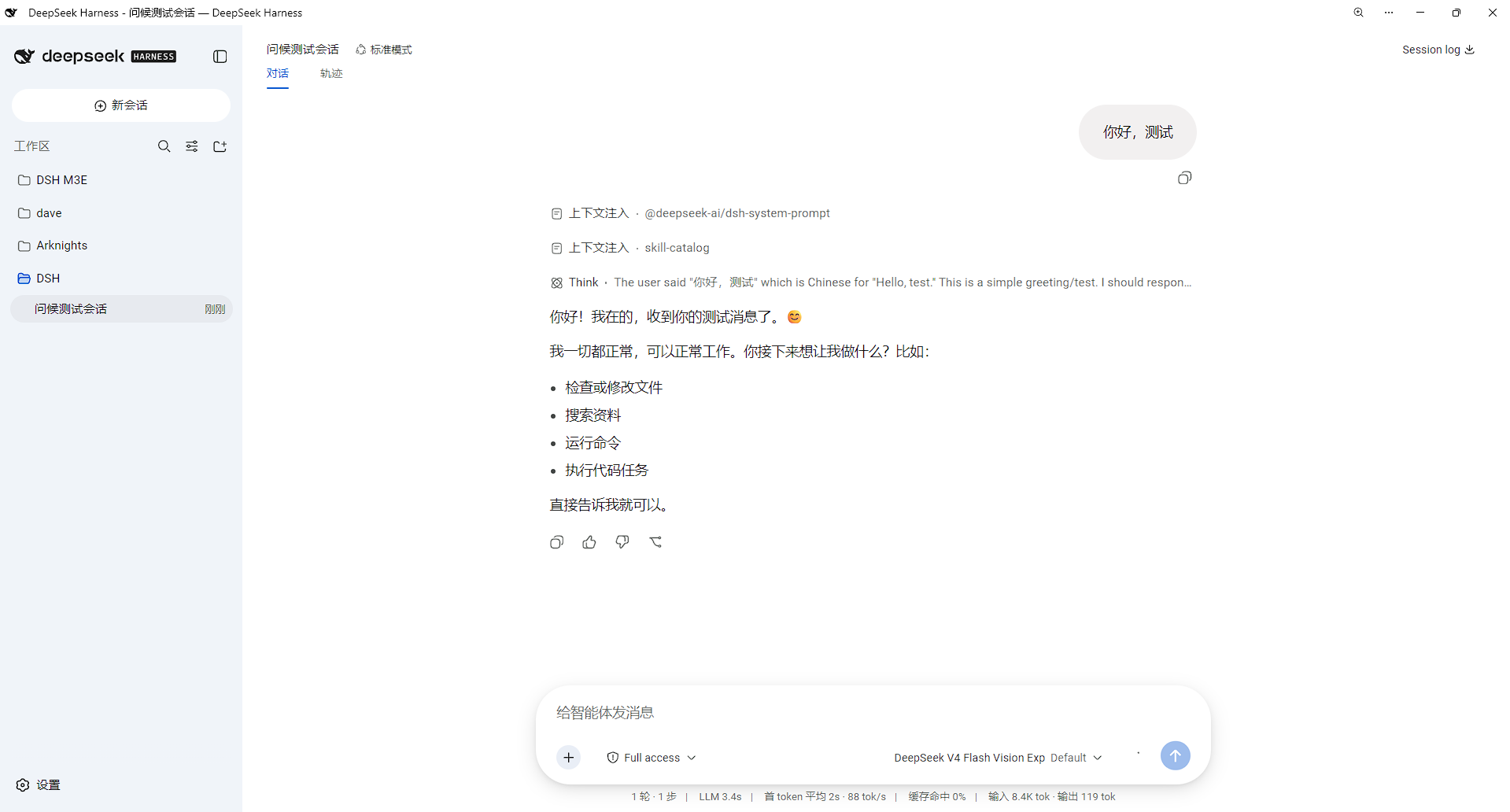
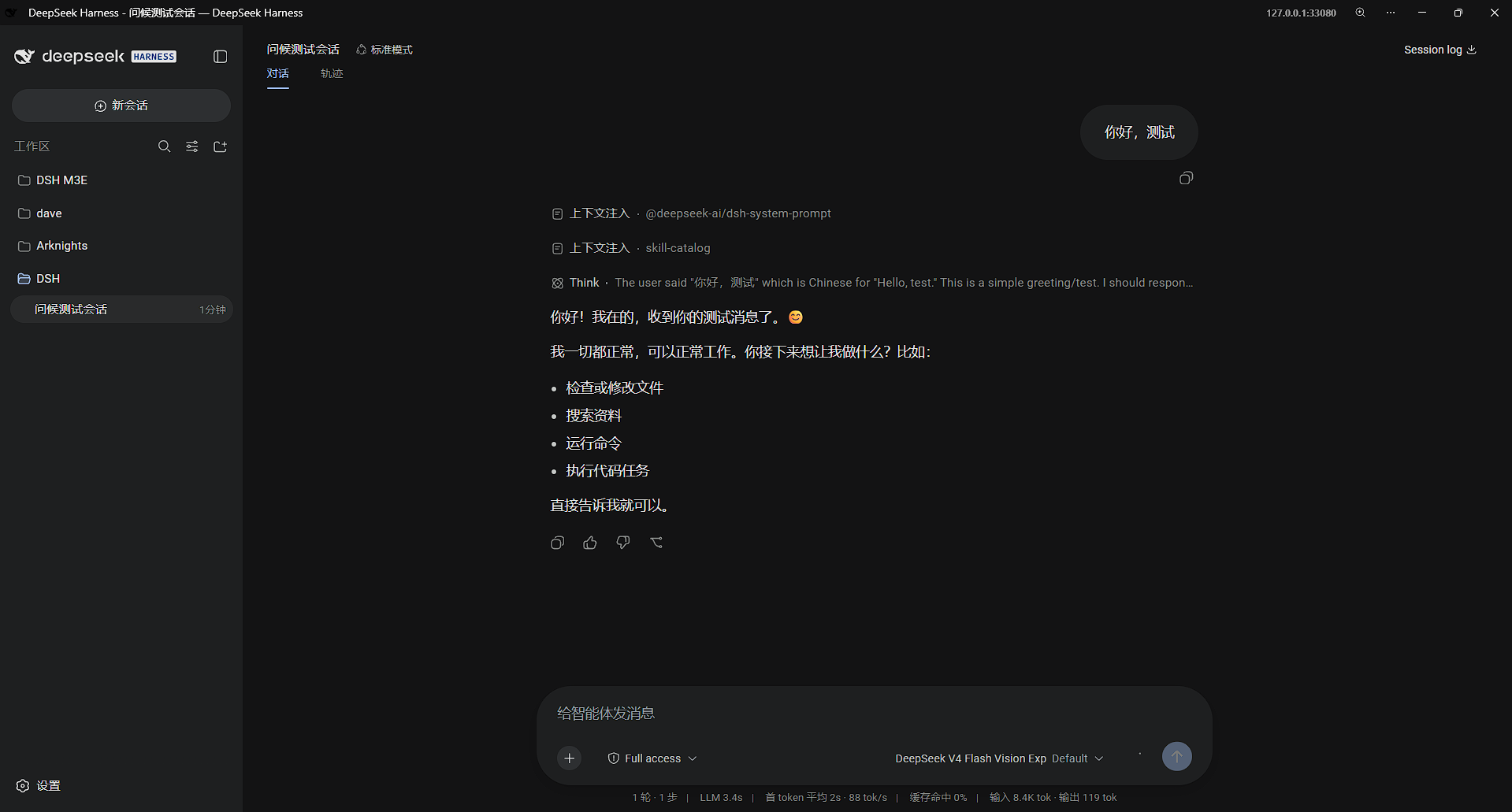
DeepSeek Harness ships with a utilitarian Web UI by default. If you are drawn to the luminous Material 3 Expressive aesthetic that Google Gemini uses—soft dual-tone tokens, the Google Sans type stack, pill-shaped controls, a radial hero glow—there was previously no clean way to apply that look without patching source files. dsh-gemini-m3e-theme packages the entire visual layer into a persistent client bundle plugin that works exclusively through the official theme-token override channel and the style-injection channel, leaving zero product code untouched.
It covers six dimensions in depth: color (71 light-and-dark dual-tone tokens aligned to the Gemini luminous palette, with borders defined by surface contrast rather than stroke lines), typography (Google Sans Text fallback stack, a Mono variant for code, M3E heading scale at weight 400 with 1.5 line-height), shape (a precise radius system—40 px composer, 999 px pills, 32 px dialogs, 16 px tool blocks), glow and motion (a radial luminous hero glow, all transitions driven by a single cubic-bezier(.05,.7,.1,1) emphasized curve governing pop-in, staggered float, and dialog entry), interaction (pixel-accurate click ripples on pills and menus, interpolate-size width and height transitions, scrollbar edge fade-out and fade-in), and shadow (one soft-shadow spec shared by menus, popovers, and the Composer overlay, light on white and layered on dark, with border rings removed). Remove the bundle and every injected style disappears with it, restoring the original look with no residue.
It suits users who want a Gemini-aligned visual language inside Harness without maintaining a separate CSS patch, and teams that prefer M3E motion curves and pill geometry for a consistent brand feel. The repo ships a pre-built client bundle, so there is no local build step required—install, restart, and the theme is live.
截图预览
使用场景
- 把 Harness Web UI 换成 Gemini 的发光观感,统一团队品牌视觉
- 通过官方扩展点一键应用完整 M3E 主题,无需打源码补丁
- 偏好药丸圆角、强调曲线动效和软阴影的交互风格
适合人员
- 追求 Gemini 或 M3E 视觉语言的 Harness Web UI 用户
- 希望零源码改动、安装即用、卸载无痕的管理员
- 对配色令牌、字体栈和圆角体系有统一要求的团队
相关插件

鲸鱼少女是 DSH Web GUI 右下角的桌面宠物,可拖拽、喂食、玩耍;完成任务、会话与陪伴时间会累积为等级、头衔和记忆。

将本机 Wallpaper Engine 壁纸渲染为 DSH 界面背景,支持视频、网页及场景壁纸,配液态玻璃与丰富调节。

为 DeepSeek Harness 打造的 WebGPU 海洋皮肤,保留五波 Gerstner 海浪,支持半透明主题、昼夜循环与快速调节,可作插件或扩展安装。

为 DSH Web GUI 会话页提供 Galgame 风格对话视图与场景元素可视化编辑器,内置可实时同步的编辑模式。