dsh-mobile-glass
在终端中运行以下命令:
dsh plugin install YiRan0/dsh-mobile-glass
将以下提示词粘贴到 DeepSeek Harness 对话框中:
在 DeepSeek Harness 中执行 dsh plugin install YiRan0/dsh-mobile-glass 即可安装,开源地址为 https://github.com/YiRan0/dsh-mobile-glass
插件介绍
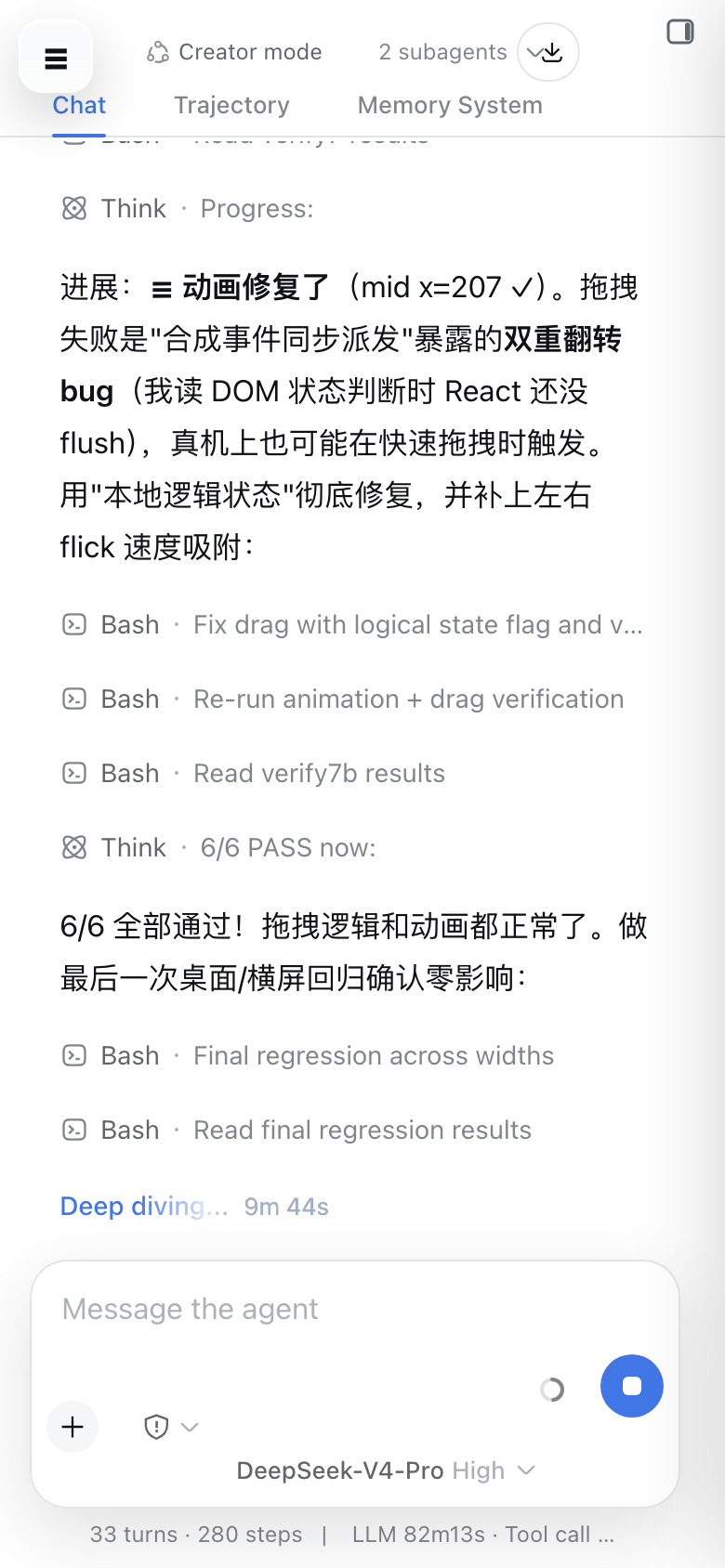
DSH Web was designed with desktop in mind, so the mobile experience on smartphones feels fragmented: the sidebar crowds the viewport, the input box blocks the conversation, and the settings panel has nowhere to go. dsh-mobile-glass targets viewports at 1023 px and below with absolute zero impact on desktop (1024 px and up). It activates automatically after install with no extra configuration required.
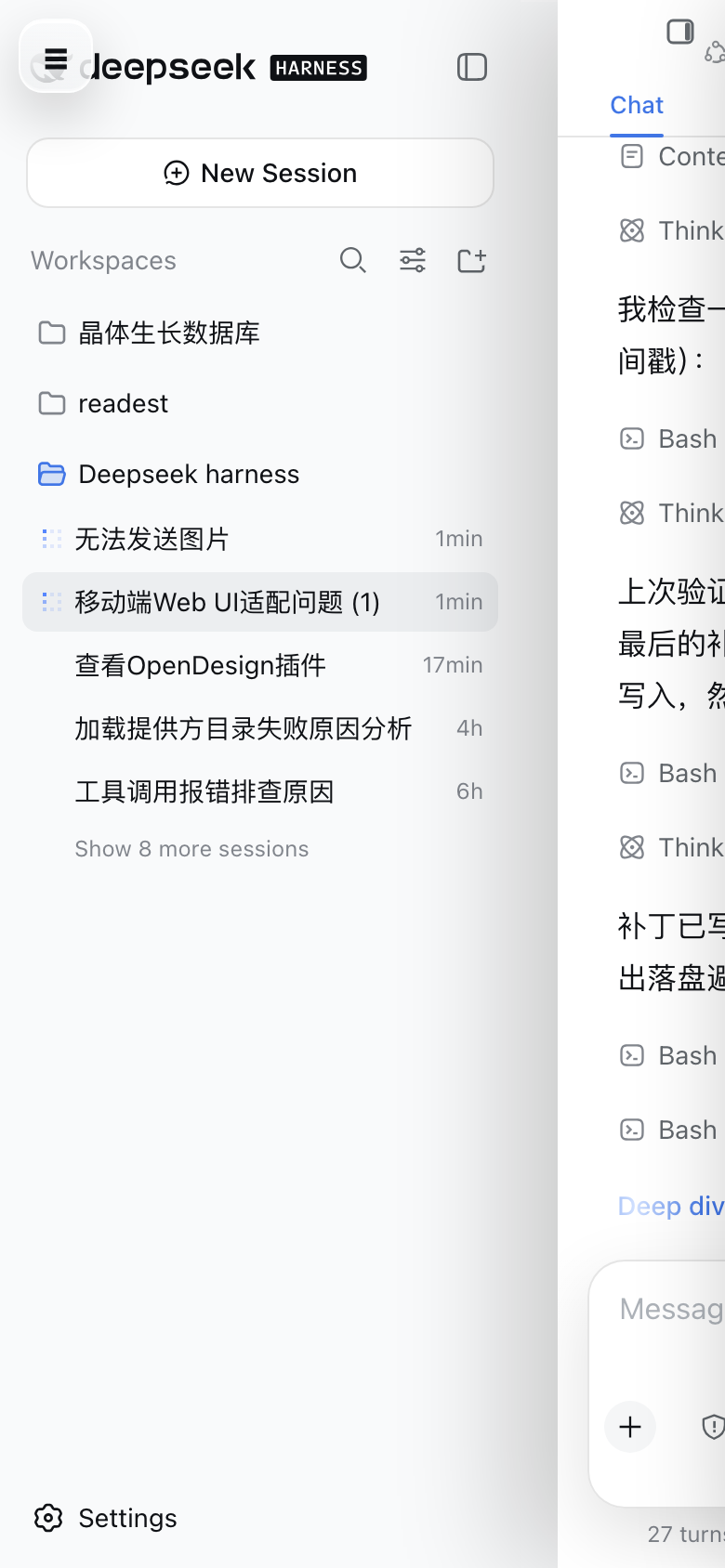
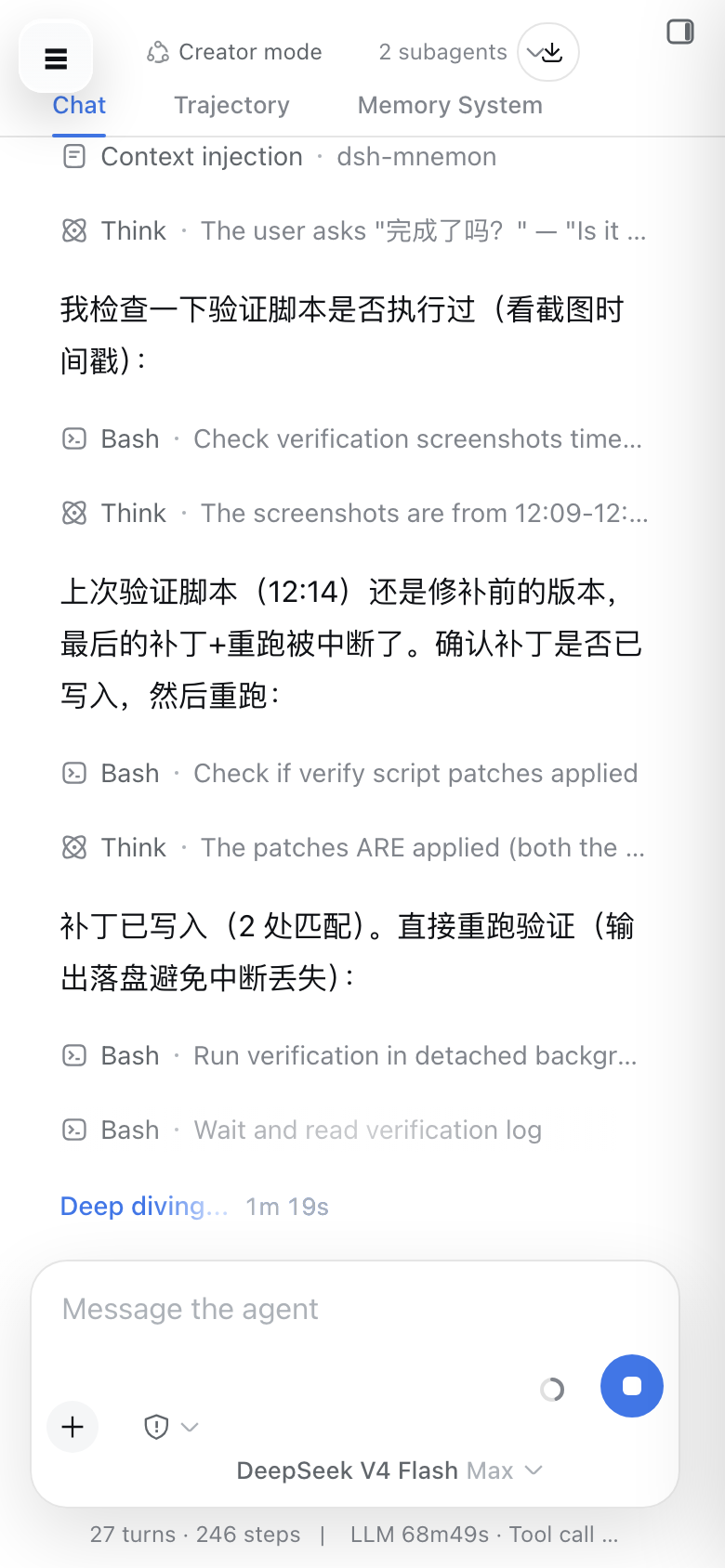
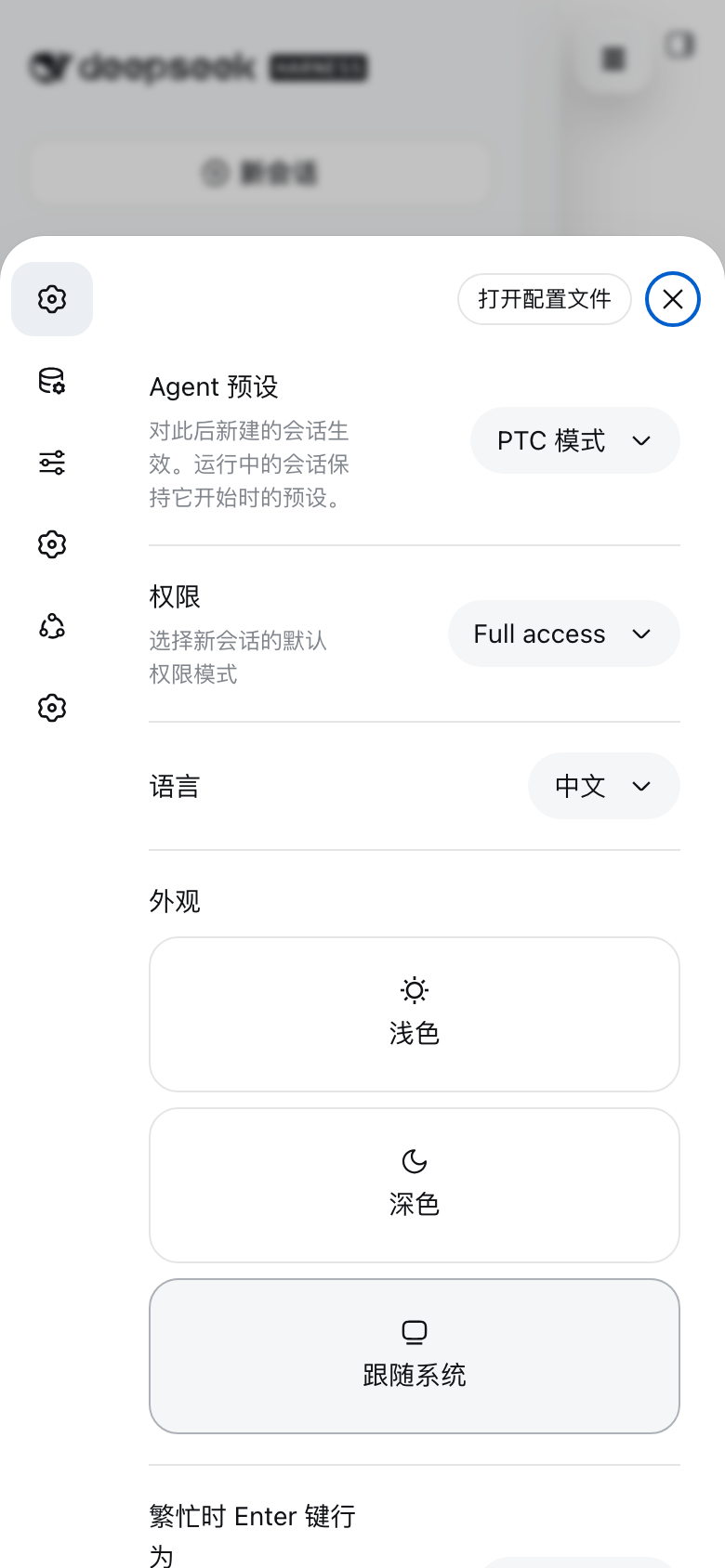
The interaction model is rebuilt around mobile habits. A floating glass hamburger button reveals the sidebar as a drawer while the chat column slides right with a smooth translateX animation. Touch drag gestures use direction locking and velocity-based snapping, and they gracefully yield to native horizontal scrolling when the content is a wide table or code block. The input box starts as a compact centered capsule out of the way of the conversation, then expands to a full-width multi-line area on focus and contracts back on blur. The settings panel slides up from the bottom as a card, navigation collapses into an icon rail, and header clutter is cleaned up and aligned.
The plugin ships full PWA support via host-side routes for a Service Worker and an enhanced Web Manifest, with zero modifications to any DSH vendor file so upgrades are painless. Caching uses content-addressed URLs with a cache-first plus background-update strategy for instant repeat visits, network-first for navigation with a built-in offline page, and a complete bypass for API and SSE channels so live data is never stale. Phone browsers can add it to the home screen and run it standalone, just like a native app.
If you rely on DSH Web on a phone for daily conversations and session review, this plugin elevates the experience from barely usable to genuinely comfortable, while leaving your desktop setup exactly as it was.
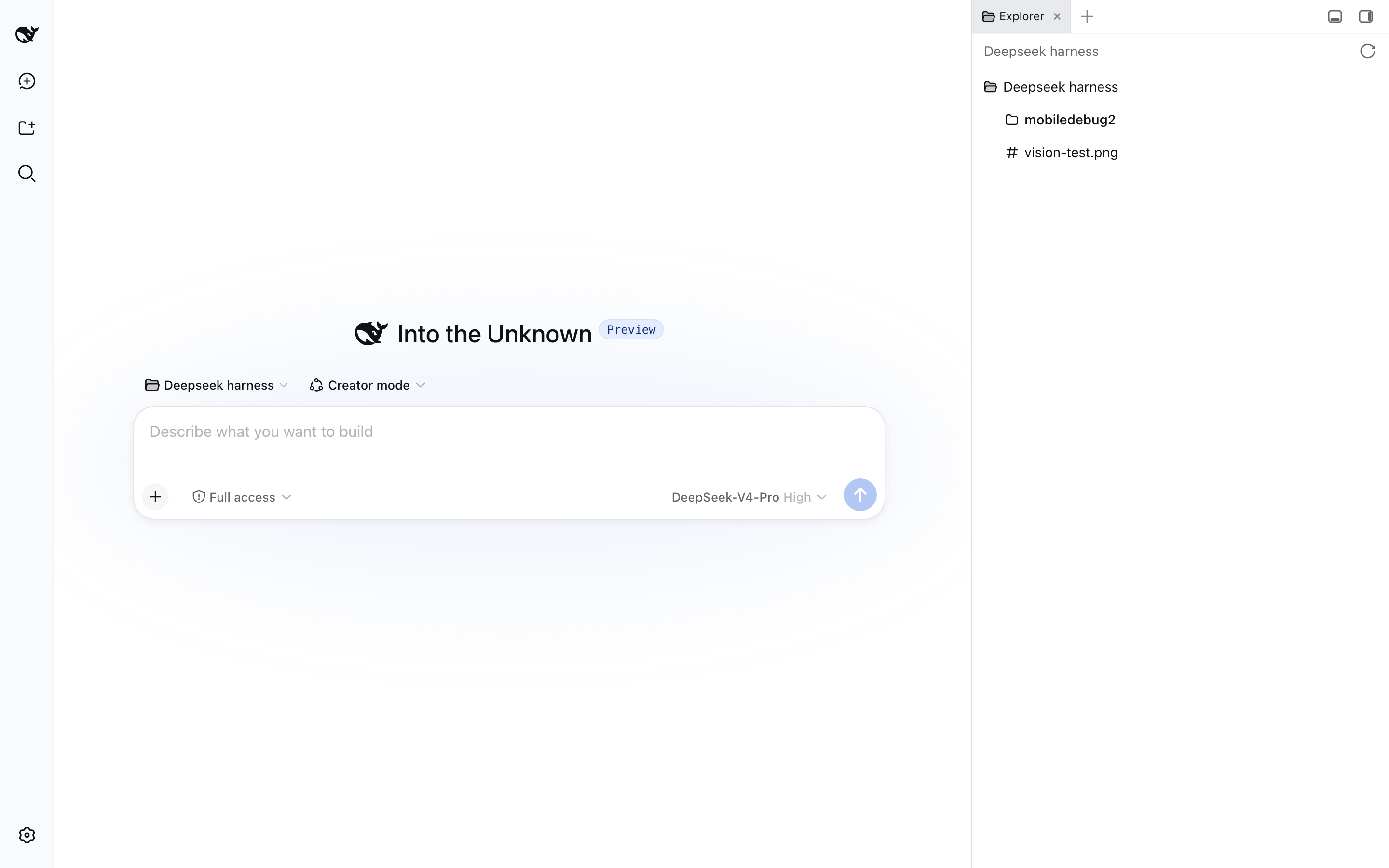
截图预览
使用场景
- 在手机上日常打开 DSH Web 进行对话与会话回顾
- 将 DSH 添加到主屏幕作为独立 PWA 应用离线秒开
- 移动设备上拖拽侧栏、展开输入框、上滑设置面板完成全部操作
适合人员
- 在手机上重度使用 DSH Web 的个人用户
- 需要随时随地访问对话记录的产品与研发团队
- 希望不改动 DSH 源码即可获得 PWA 体验的部署者
相关插件
DSH 服务化侧边栏框架,提供文件工作台、内嵌浏览器、真实终端、Git 面板等完整工作台,并开放服务供插件扩展。

美观实用的 Claude Code 风格 TUI 插件:像素鲸鱼顶栏、流光大字、实时状态行、思考流式展开、时间回溯、上下文进度条与 TPS 仪表,零核心改动。

DeepSeek Harness 插件市场:浏览/搜索/一键安装社区插件与主题,支持更新、备份、热禁用、诊断与AI修复。

DSH Web 界面右下角常驻小鲸鱼余额挂件,自动显示 DeepSeek 余额、今日已用与每轮对话消耗,支持拖拽吸附与音效。