dsh-pdf
在终端中运行以下命令:
dsh plugin install henryxiao709/dsh-pdf
将以下提示词粘贴到 DeepSeek Harness 对话框中:
在 DeepSeek Harness 中执行 dsh plugin install henryxiao709/dsh-pdf 即可安装,完整源码地址为 https://github.com/henryxiao709/dsh-pdf 。
插件介绍
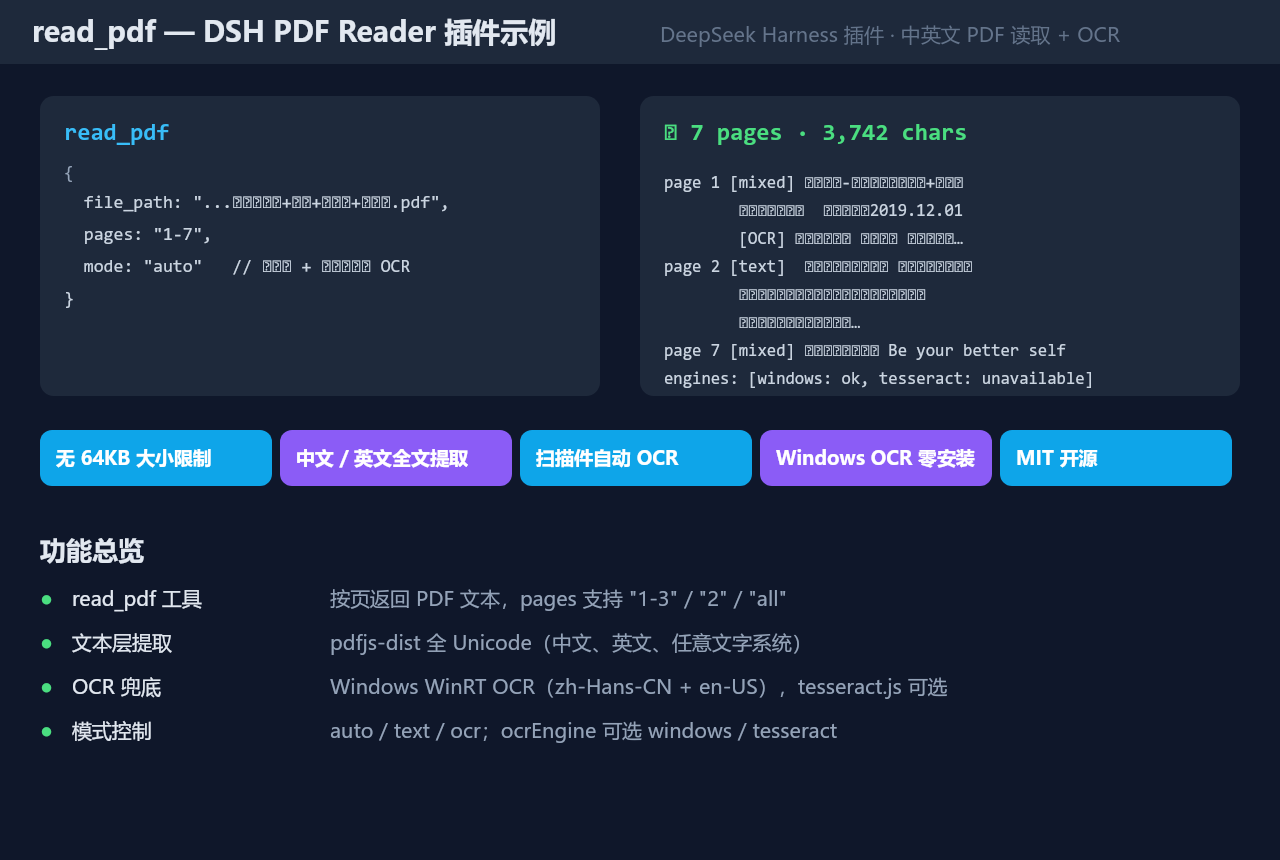
Most DSH agent plugins hit a hard wall when reading PDFs: a 64 KB file cap that rejects real-world documents, and no way to extract text from scanned or image-heavy pages. dsh-pdf removes both constraints in one pass. It lifts the single-file limit to 200 MB by default and pulls the full Unicode text layer through pdfjs-dist, so Chinese, English, and other scripts work out of the box.
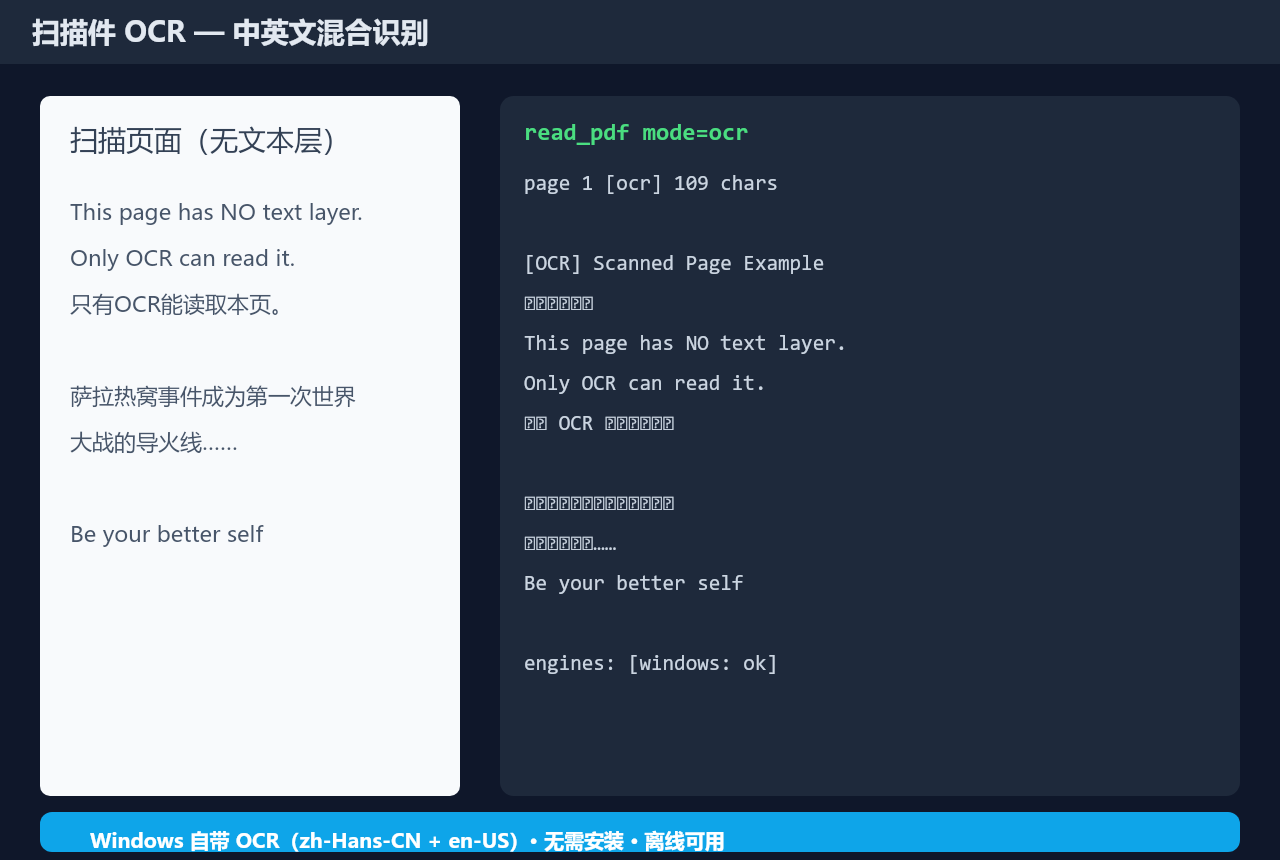
The standout feature is its automatic OCR fallback. When a page's text layer falls below a configurable character threshold, the plugin renders that page to an image and runs OCR. On Windows it prefers the built-in WinRT recognizers (Simplified Chinese and English, zero-install, zero-download); in headless or non-Windows environments you can drop tesseract.js trained-data into the expected folder as an alternative. Every page in the result is tagged as text, ocr, or mixed so the agent can gauge confidence. All knobs—OCR engine, render scale, per-page timeout, cache size—are adjustable live from the DSH settings UI, with changes taking effect immediately.
If your workflow involves feeding multi-hundred-page contracts, tens-of-megabytes whitepapers, or handwritten lecture notes to the agent, dsh-pdf is a lightweight, service-free plugin that just works.
截图预览
使用场景
- 读取超过 64 KB 的大型 PDF 合同或白皮书全文
- 识别扫描版讲义、手写笔记等图片为主的页面
- 按需选取指定页码提取中西文混合文本
适合人员
- 需要让 agent 处理长 PDF 文档的 DSH 开发者
- 处理中文扫描件或手写笔记的团队
- 希望零额外服务部署即可获得 OCR 能力的轻量用户
相关插件

为 DeepSeek Harness 打造的免费联网搜索插件,支持网页搜索、X 搜索与页面抓取,免注册免 API Key,多引擎自动故障转移。

AnySearch 驱动的 DeepSeek Harness 联网插件,借助原生 web_search/web_fetch 实现实时搜索、内容清洗、垂直搜索与并发批量搜索,免 API key 快速开始。
Pixel-perfect 网页克隆工具,基于 agent harness 将任意网页克隆为可评分的 React 全页面副本。

DeepSeek Harness 会话费用统计插件,中英双语界面,支持预算、官方与自定义 Provider 余额、OpenCode Go/Coding Plan 额度、峰谷计价与提醒、历史统计等。