dsh-design
在终端中运行以下命令:
dsh plugin install Viger1/dsh-design
将以下提示词粘贴到 DeepSeek Harness 对话框中:
在 DeepSeek Harness 中执行 dsh plugin install Viger1/dsh-design 即可安装本插件,源码地址见 https://github.com/Viger1/dsh-design
插件介绍
Pages generated by AI agents are rarely ugly; they are "right but off" — eleven type sizes with no scale, spacing values that belong to no grid, an unprompted violet gradient, emoji standing in for icons. Generators stop after producing output, prompt-only skills hand the model a rule list with nothing verifying compliance, and static CSS analyzers cannot see what the browser actually painted: alpha composited over the real backdrop, utility classes after resolution, a runtime theme switch, or the tap-target box as laid out. dsh-design renders the page and measures it. Nine rules — contrast (WCAG AA with real-backdrop compositing), type scale, spacing grid, palette (chroma-based neutral exclusion), tap target, line length, default-font fallback, purple gradient (detected by hue angle, not string match), and emoji-in-controls — each finding names the element and the number: p.muted at 1.62:1 (needs 4.5:1), not "improve contrast."
The other half is the bundled design-system skill, which front-loads constraints before the agent writes a single component: commit to one direction, lock the palette and type scale, space on a grid, lead with hierarchy — then run a mandatory design_audit before claiming the work is done. Measuring only catches drift; the skill is how the agent decides on a system in the first place. Together they form a constrain-generate-audit-correct loop. Thresholds were calibrated against a professionally designed product UI, correcting edge cases around hairlines, desktop icon buttons, and low-chroma neutrals so a consistent project is not asked to abandon its own system.
Built for developers and small teams shipping landing pages, marketing sites, or product UIs through AI agents. You do not need a design reviewer on every PR; you need a tool that opens the browser, reads the computed pixels, and reports which element at which coordinate crossed which threshold — so "it looks good" becomes a set of numbers you can argue with, regression-test, and close out.
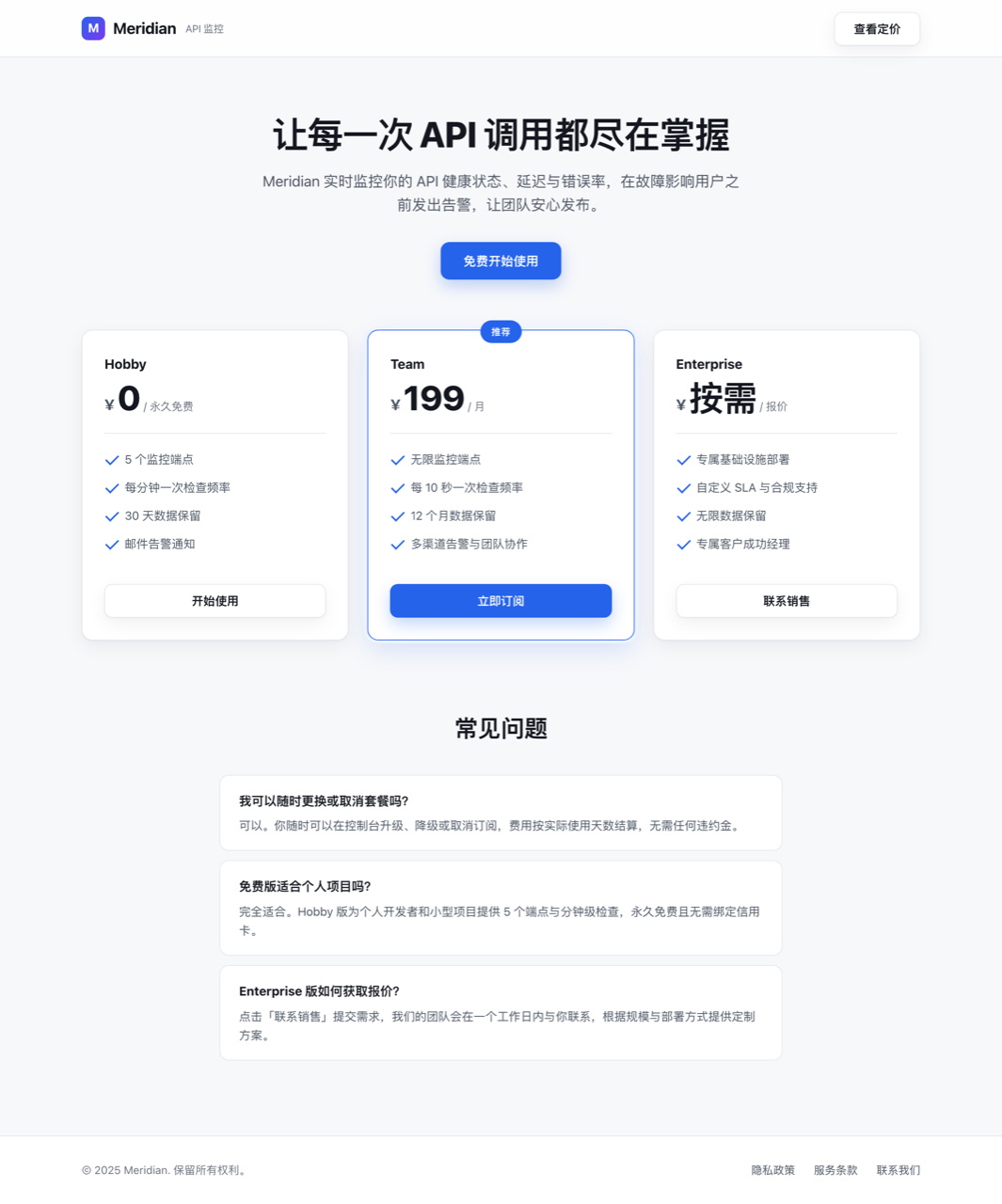
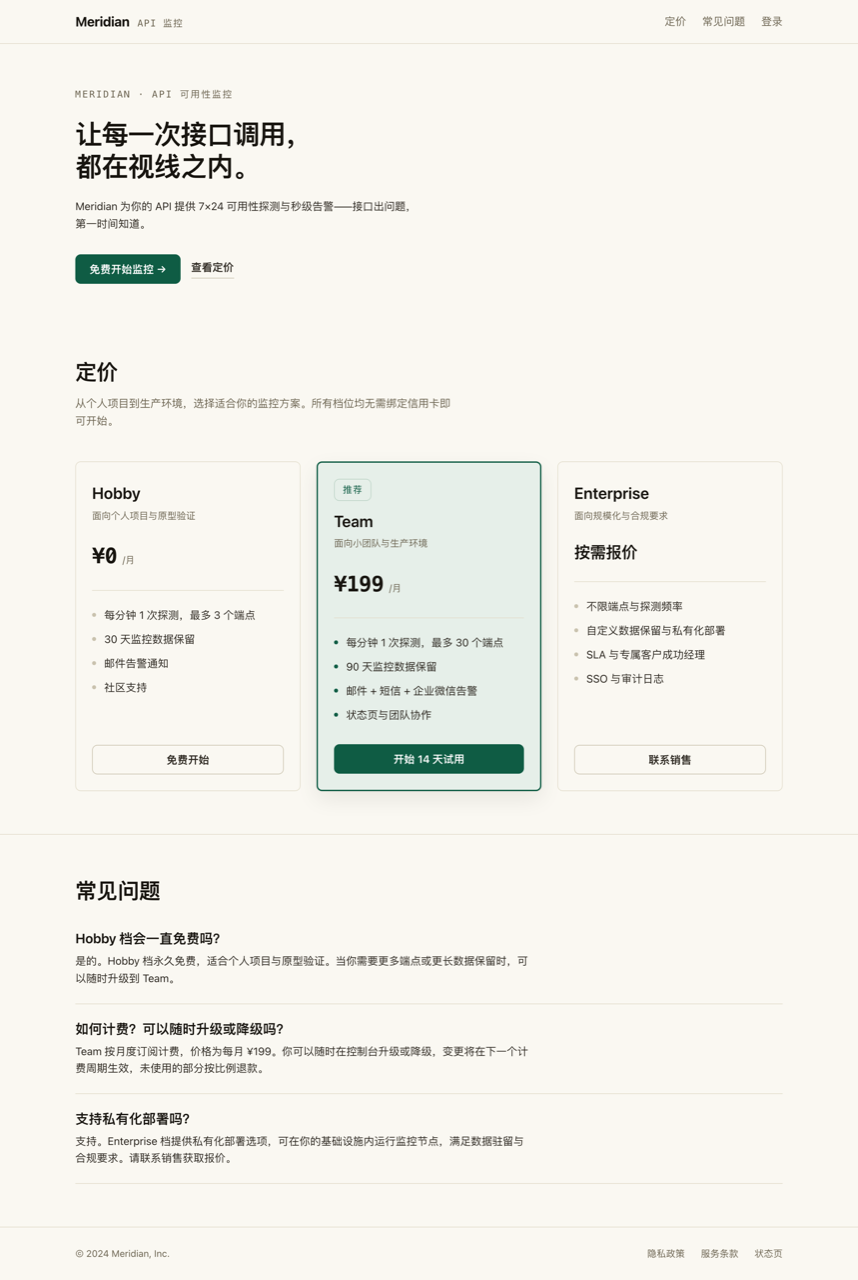
截图预览
使用场景
- AI agent 生成落地页后,自动渲染页面并量化检查对比度、字阶、间距、配色等九项设计规范
- 在交付或 PR 前,用逐元素编号和实测值替代人工「看起来还行」的主观判断,快速定位设计走样
- 为 AI 编码工作流嵌入 constrain → generate → audit 闭环,让 agent 在声明完成前强制跑设计审计
适合人员
- 用 AI agent 生成并交付 UI 的独立开发者和小型团队
- 需要在每次前端交付前量化设计质量、降低人工设计走查成本的工程团队
- 构建 AI 编码 harness 的平台方,希望为 agent 增加设计约束与自动验收环节
相关插件

为 DeepSeek Harness 打造的免费联网搜索插件,支持网页搜索、X 搜索与页面抓取,免注册免 API Key,多引擎自动故障转移。

AnySearch 驱动的 DeepSeek Harness 联网插件,借助原生 web_search/web_fetch 实现实时搜索、内容清洗、垂直搜索与并发批量搜索,免 API key 快速开始。
Pixel-perfect 网页克隆工具,基于 agent harness 将任意网页克隆为可评分的 React 全页面副本。

DeepSeek Harness 会话费用统计插件,中英双语界面,支持预算、官方与自定义 Provider 余额、OpenCode Go/Coding Plan 额度、峰谷计价与提醒、历史统计等。