dsh-themes
在终端中运行以下命令:
dsh plugin install naniwet/dsh-themes
将以下提示词粘贴到 DeepSeek Harness 对话框中:
在 DeepSeek Harness 终端中执行以下命令即可安装本插件(源码见 https://github.com/naniwet/dsh-themes):dsh plugin install naniwet/dsh-themes
插件介绍
The DeepSeek Harness web UI ships with one fixed palette and the system font stack. Wanting a different vibe meant forking the source, hunting CSS rules, and keeping up with upstream releases. dsh-themes turns that into a single YAML block: colours, display font, wallpaper, sidebar character art, favicon, composer ornamentation—every visual slot is a config key, so a new skin is a config swap, not a code change. Unloading the plugin restores the stock UI pixel-for-pixel.
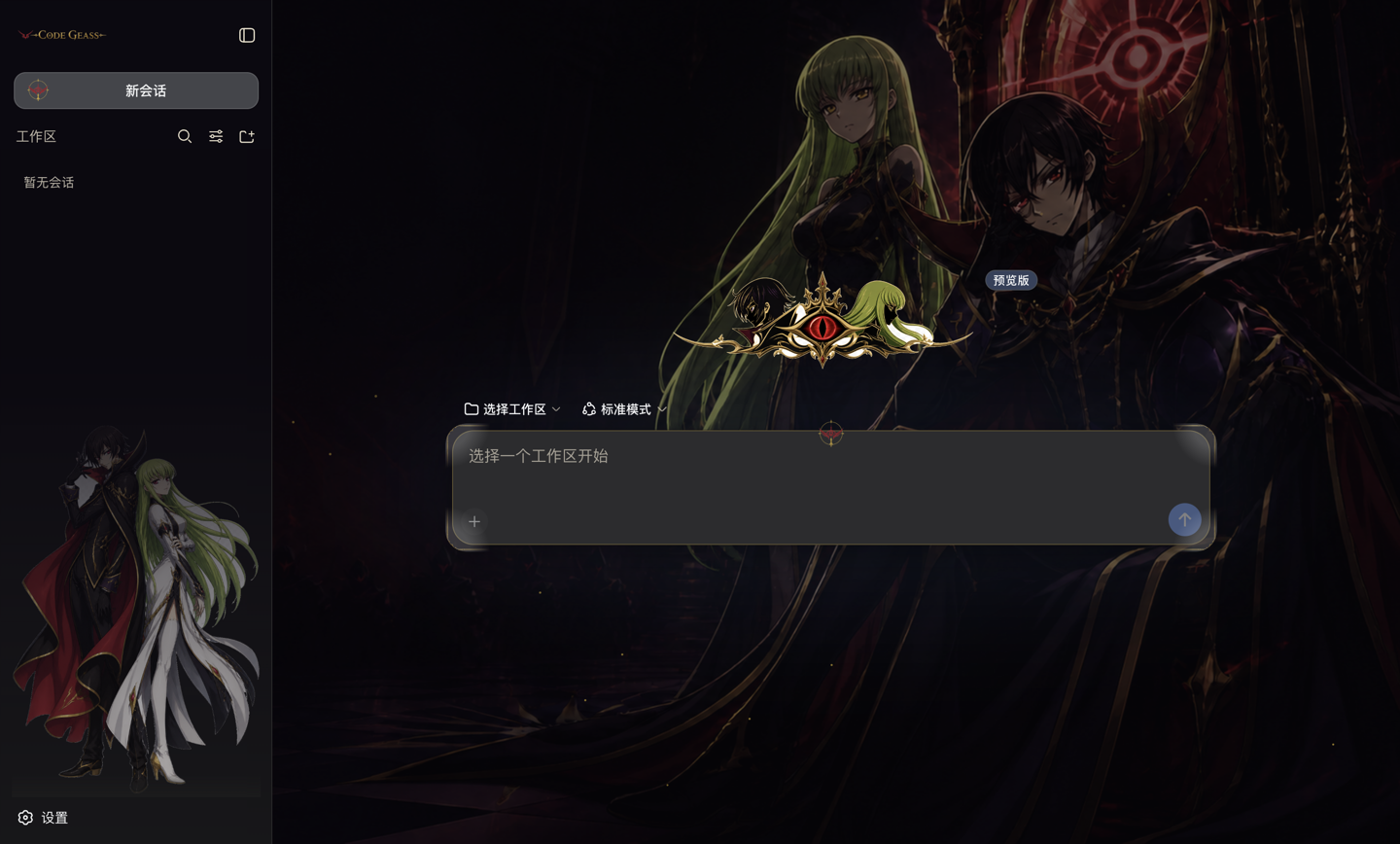
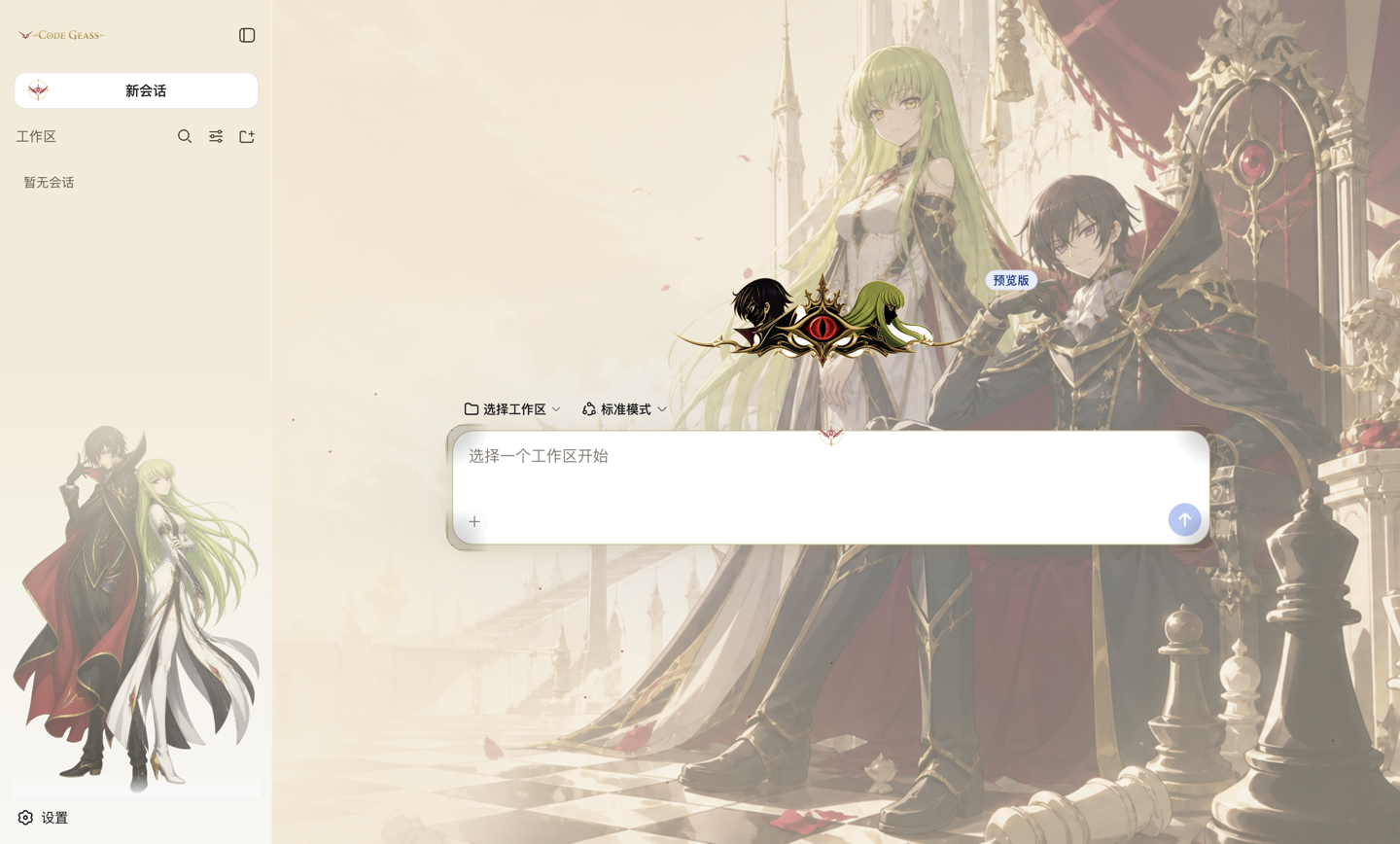
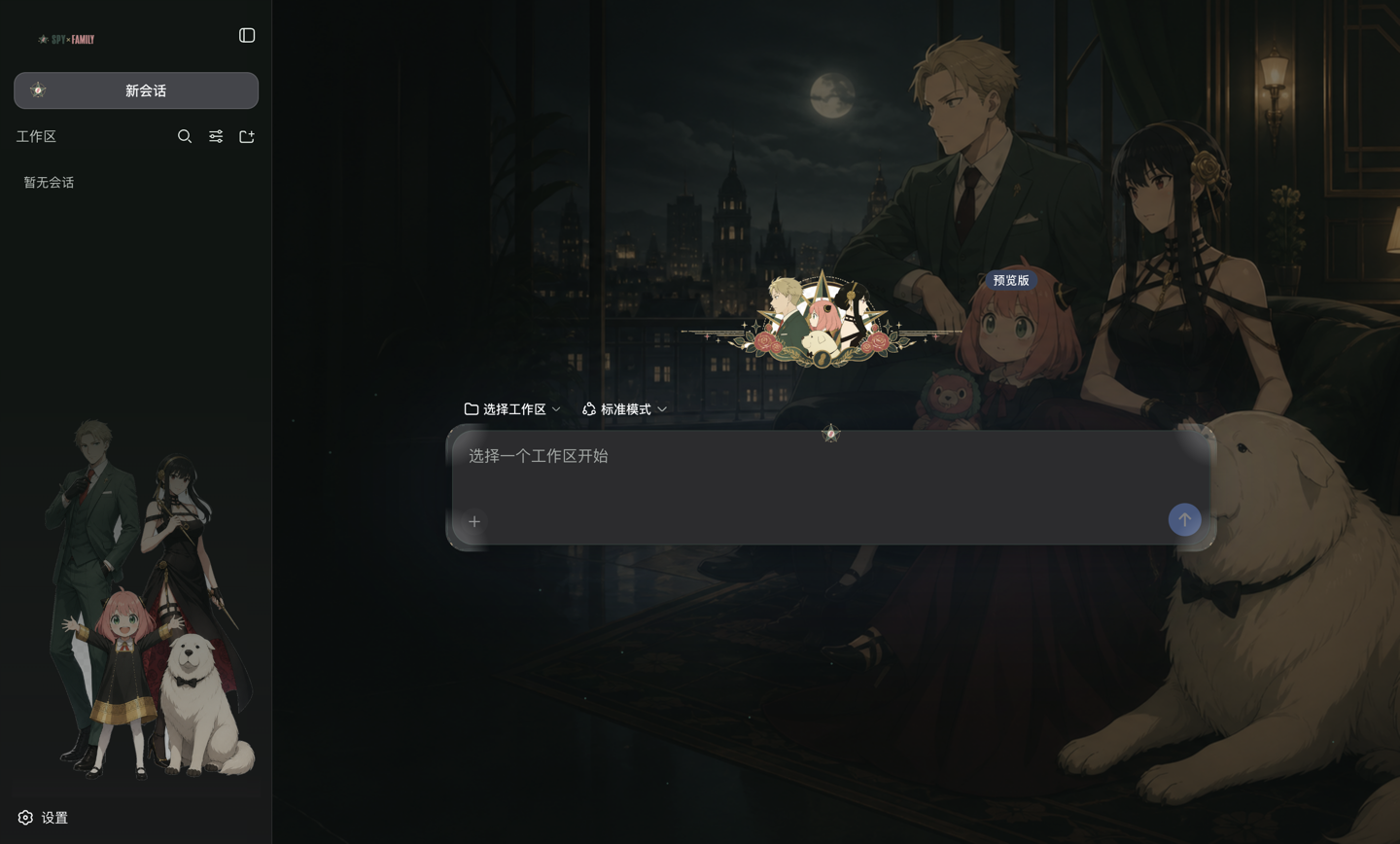
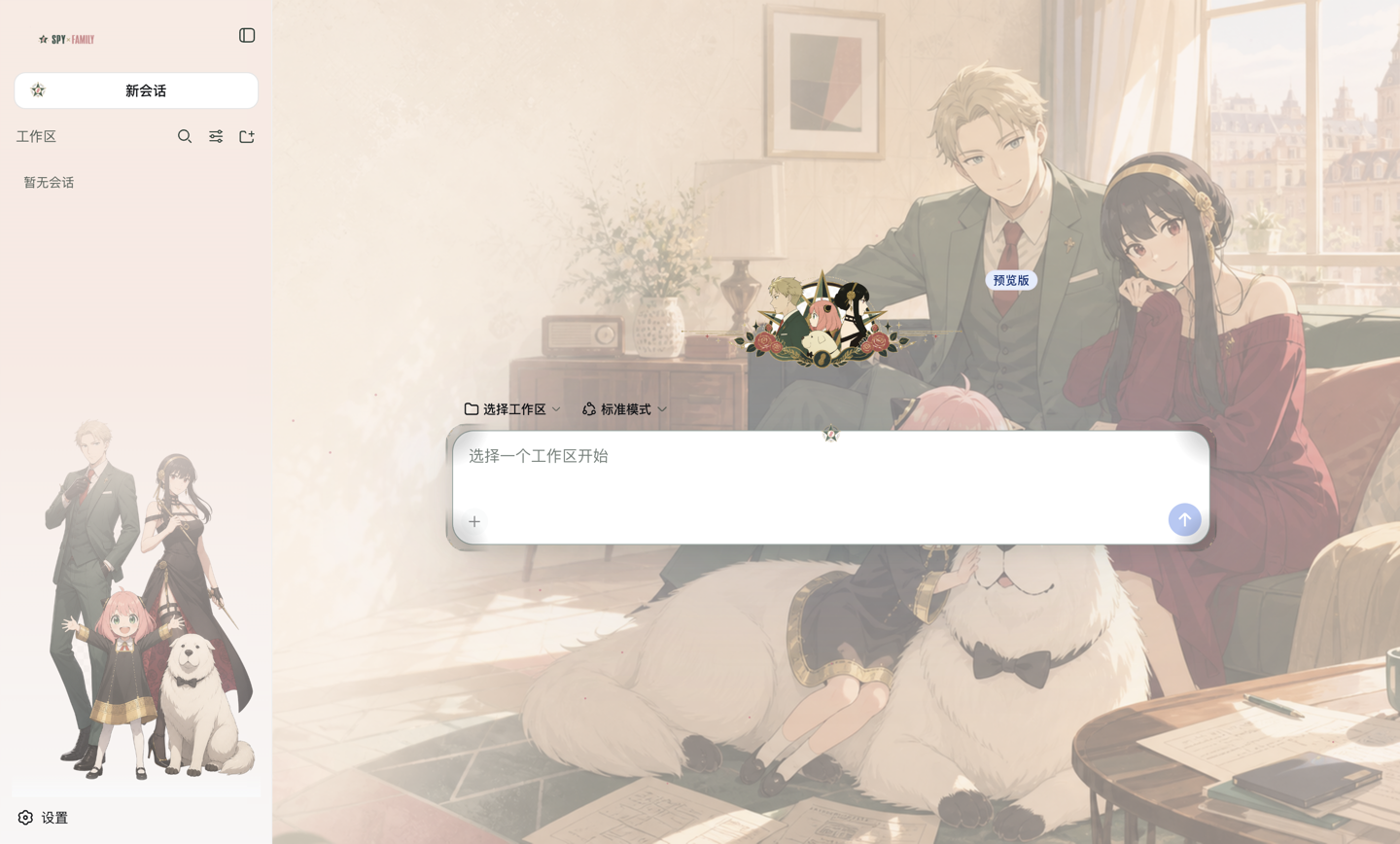
Two complete presets come out of the box: a gold-and-crimson Code Geass theme in Songti serif, and a forest-green-and-rose SPY×FAMILY theme in a rounded sans. Each is tuned independently for light and dark—pale grounds need denser accents and darker secondary text, not a simple invert. The reading column offers three backings (glyph halo, blurred panel, or none) so you can decide how much wallpaper you want to trade for readability.
Adding a new theme requires zero code: one YAML file under presets/ plus an assets folder, seven palette values and a font name. It suits developers who want their terminal to carry a visual identity without maintaining a fork, and anyone who finds the default grey a little too quiet and would like a character standing in the sidebar.
截图预览
使用场景
- 希望自己的 DeepSeek Harness 界面有独特配色和字体,但不想 fork 源码维护
- 给团队或社区提供一套可复用的视觉主题,切换只需换一个配置块
- 在侧边栏放一张喜欢的角色插画,让终端不再是千篇一律的灰
- 在浅色和深色模式下分别调好对比度,而不是简单取反
适合人员
- 在意终端美观但不想写前端代码的 DeepSeek 用户
- 想给插件生态贡献新主题、又不想改一行源码的开发者
- 喜欢动漫或游戏视觉风格、终端也想要氛围感的玩家
相关插件

鲸鱼少女是 DSH Web GUI 右下角的桌面宠物,可拖拽、喂食、玩耍;完成任务、会话与陪伴时间会累积为等级、头衔和记忆。

将本机 Wallpaper Engine 壁纸渲染为 DSH 界面背景,支持视频、网页及场景壁纸,配液态玻璃与丰富调节。

为 DeepSeek Harness 打造的 WebGPU 海洋皮肤,保留五波 Gerstner 海浪,支持半透明主题、昼夜循环与快速调节,可作插件或扩展安装。

为 DSH Web GUI 会话页提供 Galgame 风格对话视图与场景元素可视化编辑器,内置可实时同步的编辑模式。