dsh-theme-tuner
在终端中运行以下命令:
dsh plugin install shawnlone/dsh-theme-tuner
将以下提示词粘贴到 DeepSeek Harness 对话框中:
在 DeepSeek Harness 终端中执行 dsh plugin install shawnlone/dsh-theme-tuner 安装,插件源码位于 https://github.com/shawnlone/dsh-theme-tuner ,安装后重启对应的 web profile 即可在通用设置的外观下方看到主题调节面板。
插件介绍
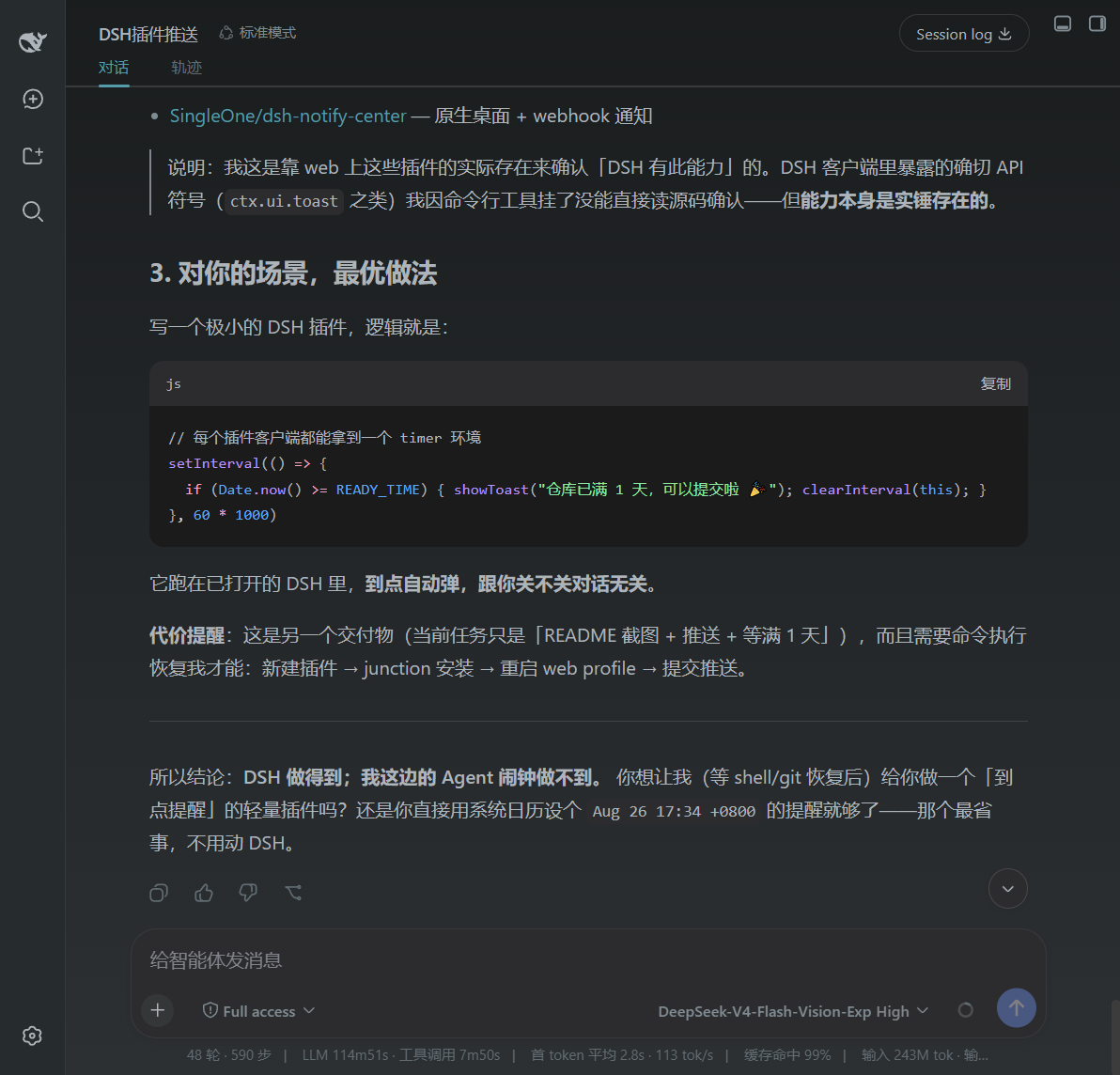
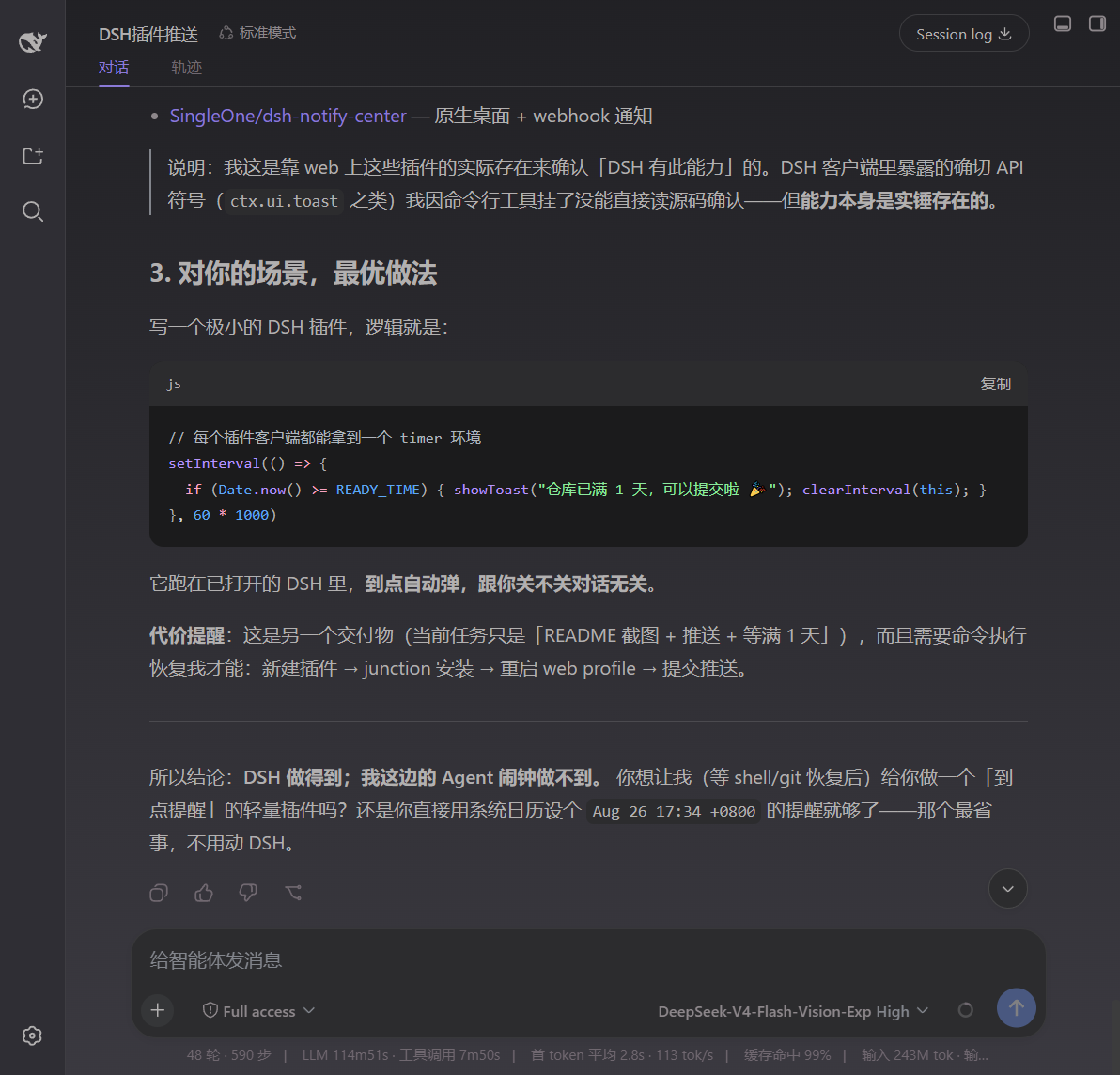
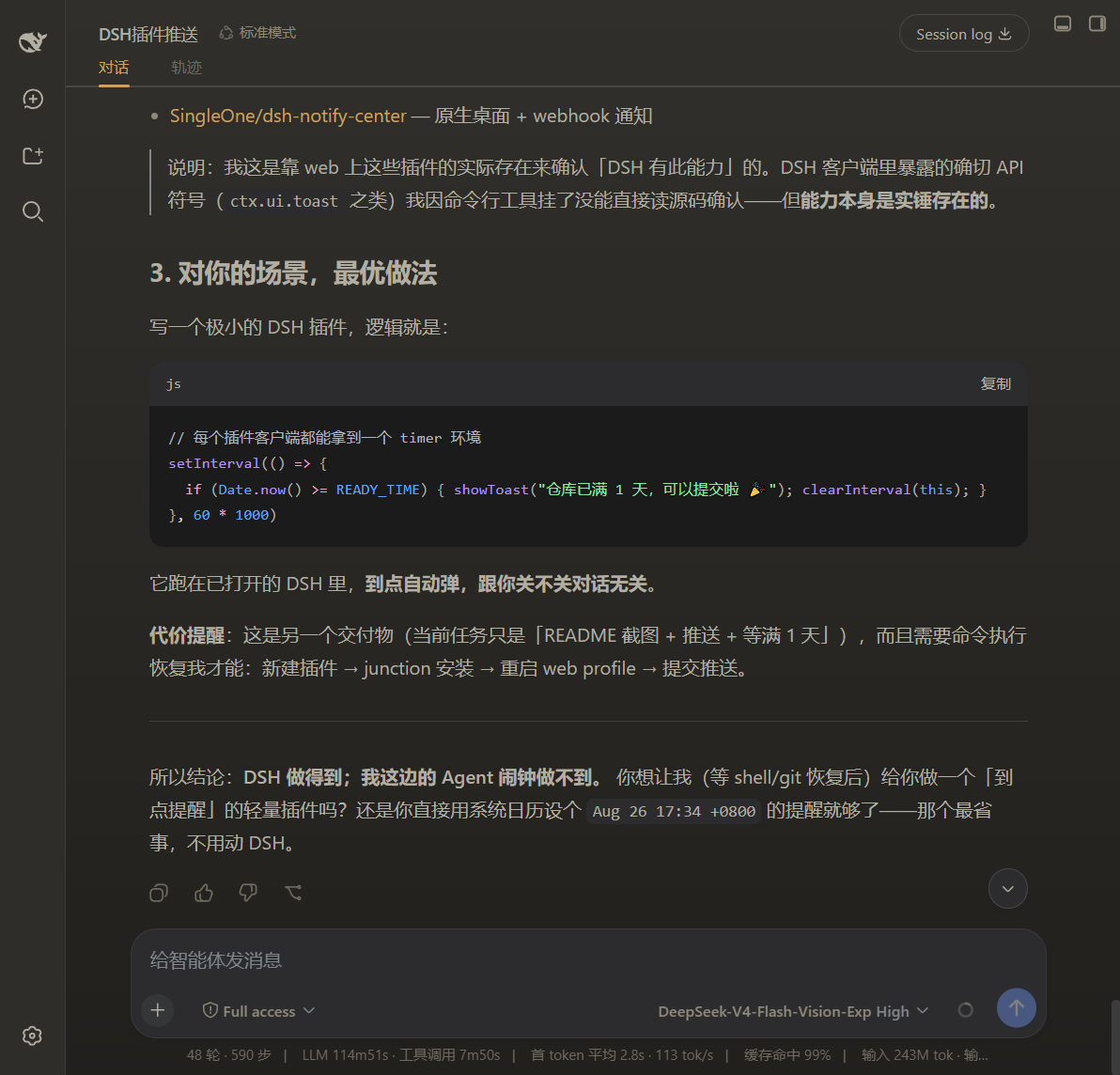
DSH ships with Light, Dark, and Follow System modes, but the colour palette for each is fixed: accent, background layers, and foreground greys are all preset. If you want to swap the accent from blue to purple, lighten a background layer in dark mode, or push foreground contrast a bit higher, the built-in settings offer no fine-grained control. dsh-theme-tuner fills that gap by appearing directly beneath the Appearance section with live sliders for accent, background, foreground, contrast, and gradient. You adjust, see the result instantly, and never need a restart.
A key design choice is separate persistence for light and dark profiles, so switching modes never overwrites your custom values. The foreground is not a single flat colour: you pick a base hue and a contrast level, and the plugin automatically derives the primary, secondary, and tertiary text greys to keep readability intact. Every change is written through theme.overrideTokens into DSW design variables the moment a slider moves, and one click restores the current theme to its factory default.
It is built for DSH users who feel the default theme is close but not quite right, and who do not want to hunt for a different theme or hand-edit CSS. Nudging one or two colour parameters to match a personal or brand preference is all it takes, with zero front-end knowledge required.
截图预览
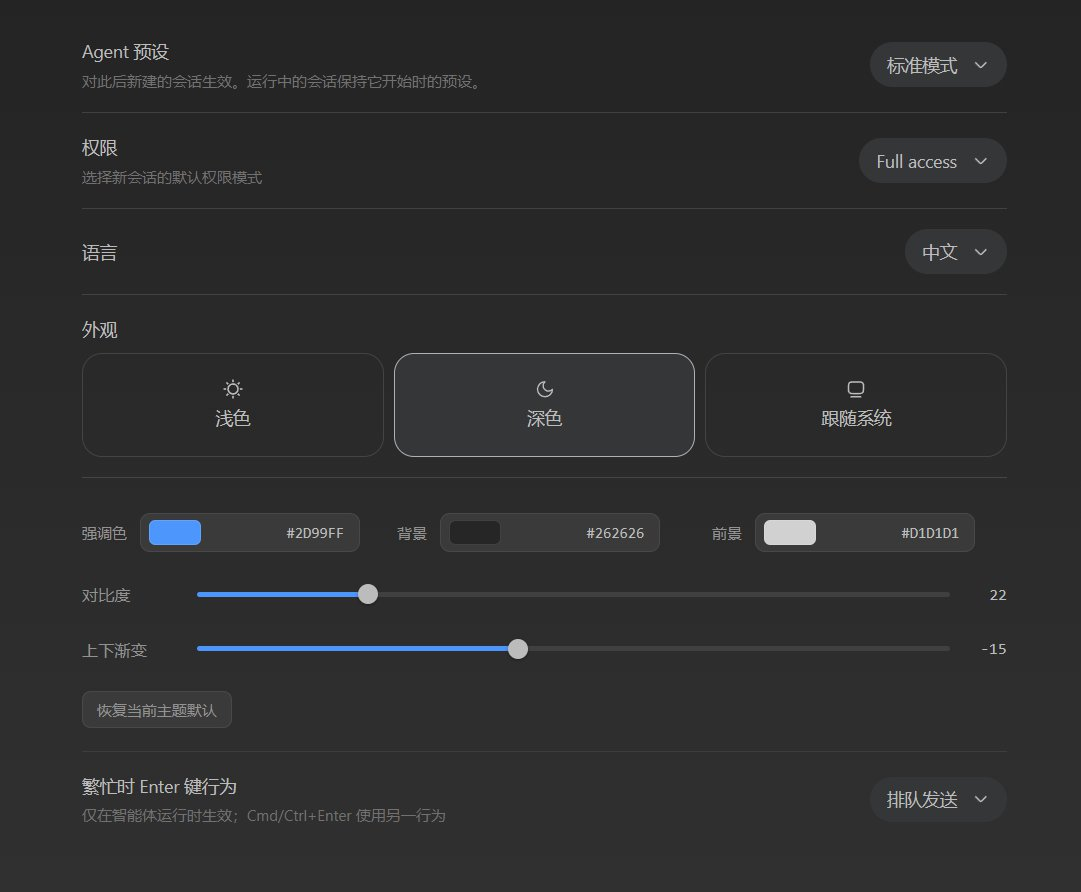
使用场景
- 将 DSH 强调色改为个人偏好或品牌色
- 深色模式下微调前景文字对比度
- 为团队统一 DSH 界面配色无需改 CSS
适合人员
- 觉得默认主题差一点但找不到合适替代的 DSH 用户
- 需要按品牌色定制界面且不想写 CSS 的设计者
- 希望浅深色分别保存自定义配色的重度 DSH 用户
相关插件
DSH 服务化侧边栏框架,提供文件工作台、内嵌浏览器、真实终端、Git 面板等完整工作台,并开放服务供插件扩展。

美观实用的 Claude Code 风格 TUI 插件:像素鲸鱼顶栏、流光大字、实时状态行、思考流式展开、时间回溯、上下文进度条与 TPS 仪表,零核心改动。

DeepSeek Harness 插件市场:浏览/搜索/一键安装社区插件与主题,支持更新、备份、热禁用、诊断与AI修复。

DSH Web 界面右下角常驻小鲸鱼余额挂件,自动显示 DeepSeek 余额、今日已用与每轮对话消耗,支持拖拽吸附与音效。