dsh-chrome-only
在终端中运行以下命令:
dsh plugin install SeekAfterSeek/dsh-chrome-only
将以下提示词粘贴到 DeepSeek Harness 对话框中:
在 DeepSeek Harness 中执行 dsh plugin install SeekAfterSeek/dsh-chrome-only,或从 https://github.com/SeekAfterSeek/dsh-chrome-only 获取 bundle 后按 README 安装到 desktop / web profile。
插件介绍
在 DeepSeek Harness 里,模型「顺手打开网页」或执行 dsh web 时,往往会走 Start-Process、open、xdg-open 等路径,结果每次都落在 Edge、Firefox、360 等系统默认浏览器里。若你希望 DSH 的跳转行为一致、可预期,默认浏览器是谁就会带来干扰。
dsh-chrome-only 把这件事钉死:从每轮提示词注入硬规则,到 chrome_open 直接启动 Chrome、chrome_status 与需授权的 chrome_install,再到拦截非 Chrome 的 shell 命令,以及 dsh web 不再交给系统默认浏览器而改由插件用 Chrome 打开带 token 的地址。Electron 主进程外链在子进程够不到时会如实上报,本地 HTML 仍可通过 chrome_open 用 Chrome 打开。
适合在 Windows 上长期用 DSH desktop 或 dsh web、且希望所有外链与 GUI 地址都只在 Chrome 里打开的用户。若你接受系统默认浏览器混用,或主要依赖 web_fetch 等不启动浏览器的工具,则不必安装。
使用场景
- 模型在任务里打开链接时不想落到 Edge 或 Firefox
- dsh web 启动后希望 GUI 地址只在 Chrome 中打开
- 需要禁止脚本通过 start 或 xdg-open 偷偷换浏览器
适合人员
- 在 Windows 上日常使用 DSH desktop 的用户
- 长期跑 dsh web 且固定用 Chrome 的开发者
- 希望 Agent 外链行为一致、可审计的团队
相关插件

DeepSeek Harness 社区「破甲」插件:84 条宿主补丁、25 层自检与侧栏整页设置,本机可见状态、快照回滚,减少确认打断,让 Agent 更连贯地辅助学习与动手实验。
DSH 服务化侧边栏框架,提供文件工作台、内嵌浏览器、真实终端、Git 面板等完整工作台,并开放服务供插件扩展。
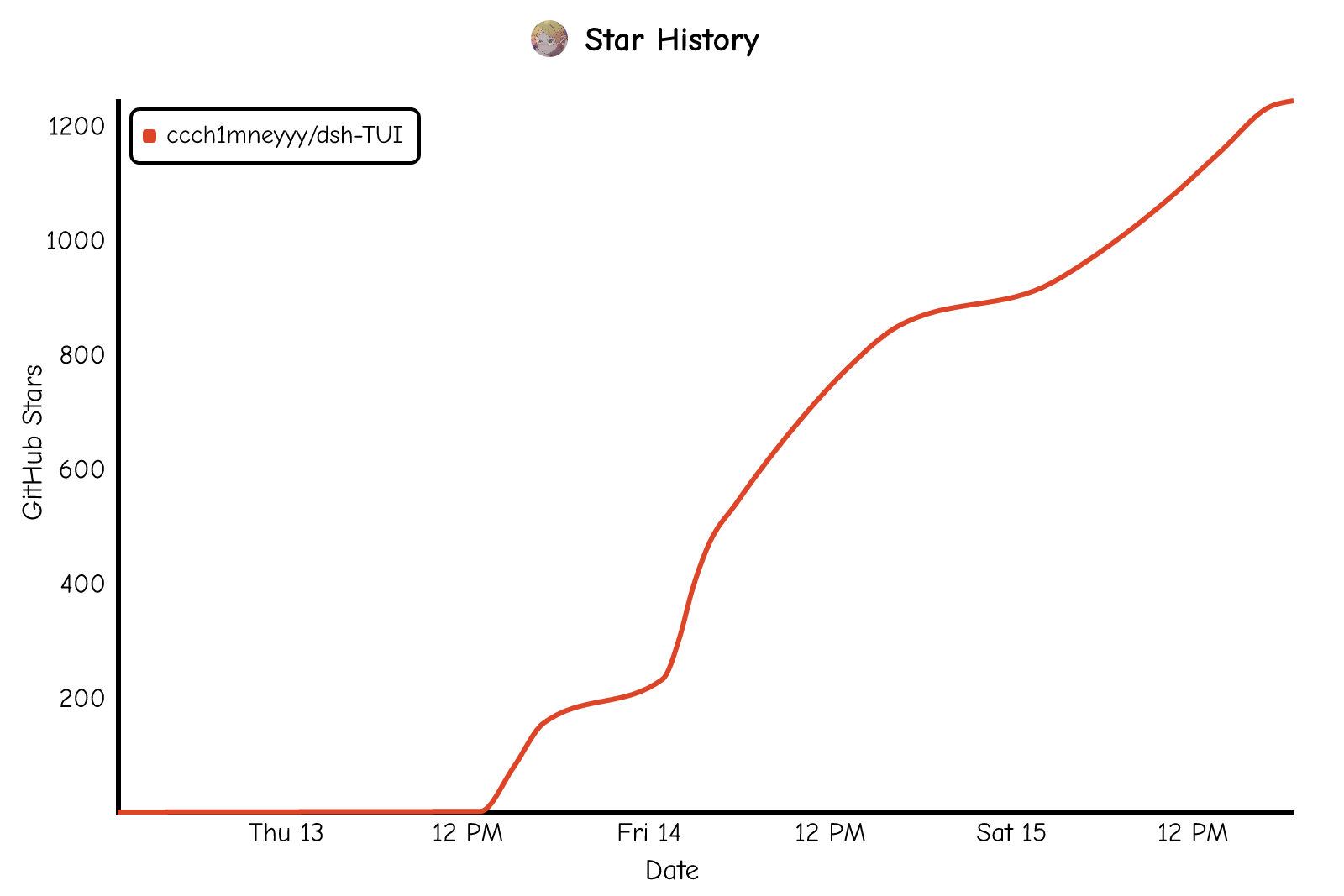
美观实用的 Claude Code 风格 TUI 插件:像素鲸鱼顶栏、流光大字、实时状态行、思考流式展开、时间回溯、上下文进度条与 TPS 仪表,零核心改动。
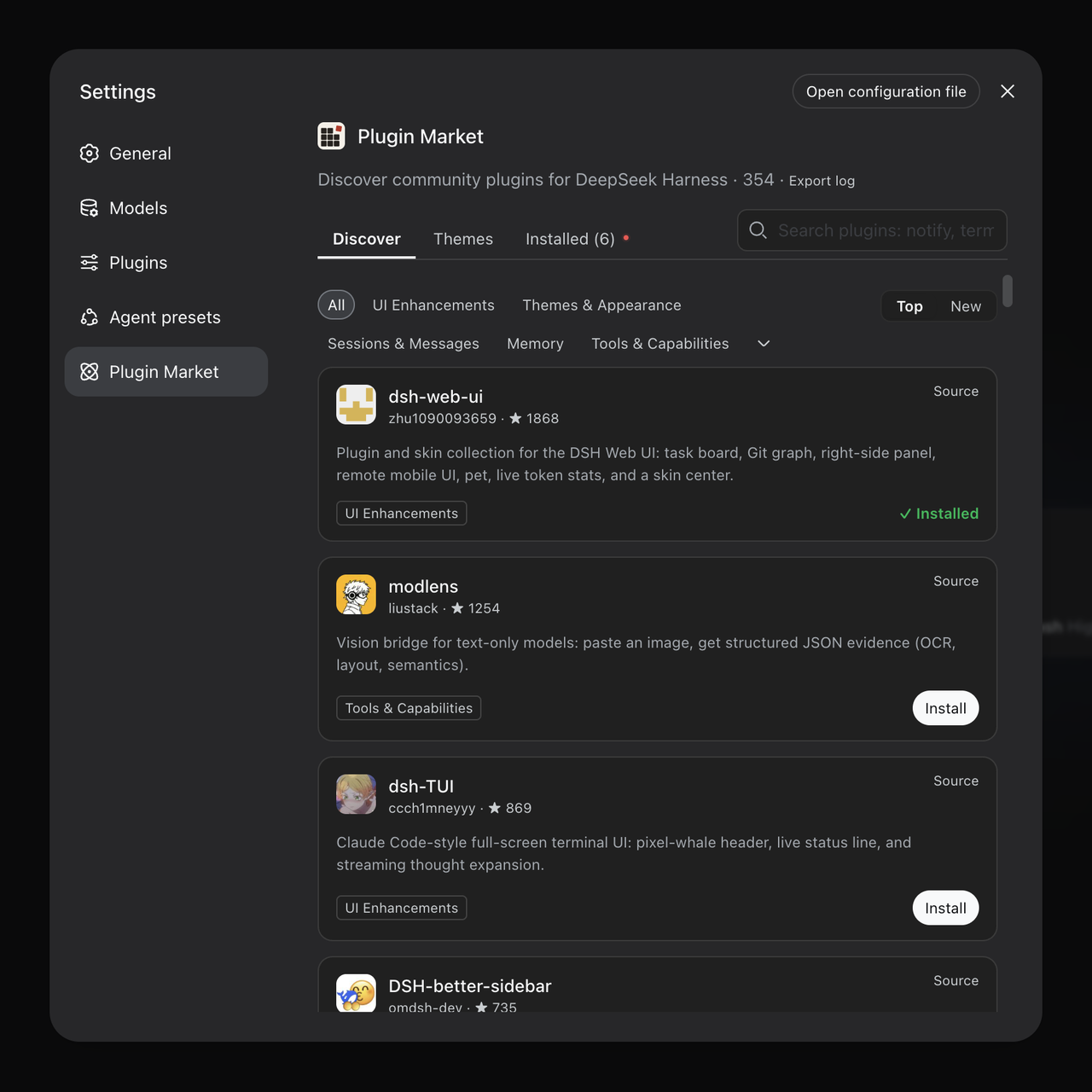
DeepSeek Harness 插件市场:浏览/搜索/一键安装社区插件与主题,支持更新、备份、热禁用、诊断与AI修复。