dsh-search-switch
在终端中运行以下命令:
dsh plugin install KeqingMoe/dsh-search-switch
将以下提示词粘贴到 DeepSeek Harness 对话框中:
在 DeepSeek Harness 中执行 dsh plugin install KeqingMoe/dsh-search-switch,或在「设置 → 插件 → 添加」中填写包名 dsh-search-switch(源码:https://github.com/KeqingMoe/dsh-search-switch)。
插件介绍
DeepSeek Harness 里真正参与 web_search 的后端往往不止官方那两条:装了 Codex 或其它 provider 插件后,注册表里会多出 openai-codex 等选项。但内置的「网页搜索」配置页只认少数 DeepSeek id,在那里一切换,很容易把 Codex 搜索又盖回 deepseek-official,而且列表也不会跟着你装/卸插件自动变。
dsh-search-switch 在「设置 → 通用」加一行「网页搜索提供方」。每次打开设置都会向 Host 读取当前 ctx.web 里已注册的 provider,所以装什么就出现什么、卸了就没有。选中项写入当前 profile 的 patch,下一次搜索立刻生效,不必重启;它只改 searchProvider,不碰密钥、接口地址等其它 web 配置。
适合同时装多个搜索 provider、或主要用 Codex 搜索却不想被内置页误覆盖的用户。若部署没有 settings 服务,界面会说明选择可能只对当前进程生效;插件对 Host 私有字段做了形状校验,上游大改时设置页会报错而不是整页崩溃。
使用场景
- 装了 dsh-codex 等插件后要在多个已注册搜索后端之间切换
- 内置网页搜索页会把选择盖回 deepseek-official,需要完整注册表列表
- 希望改 searchProvider 后下一次搜索立刻生效、不必重启 Harness
适合人员
- 同时使用官方与 Codex 等第三方搜索 provider 的 Harness 用户
- 在通用设置里统一管理搜索后端、不想动密钥和接口的人
- 通过脚本或 API 调用 select 路由自动化切换 provider 的进阶用户
相关插件

在 dsh 安装即用,无需账号与 API Key,免费不限量调用 DeepSeek V4.1 Flash、Kimi K3 等前沿模型,并含 OpenAI 兼容本地网关。
集运行时热注入、任务感知模式路由与会话级分级协议于一体,实现免重启装配、P1-P23实测路由及红队门审计,保障长程推理勤勉度。
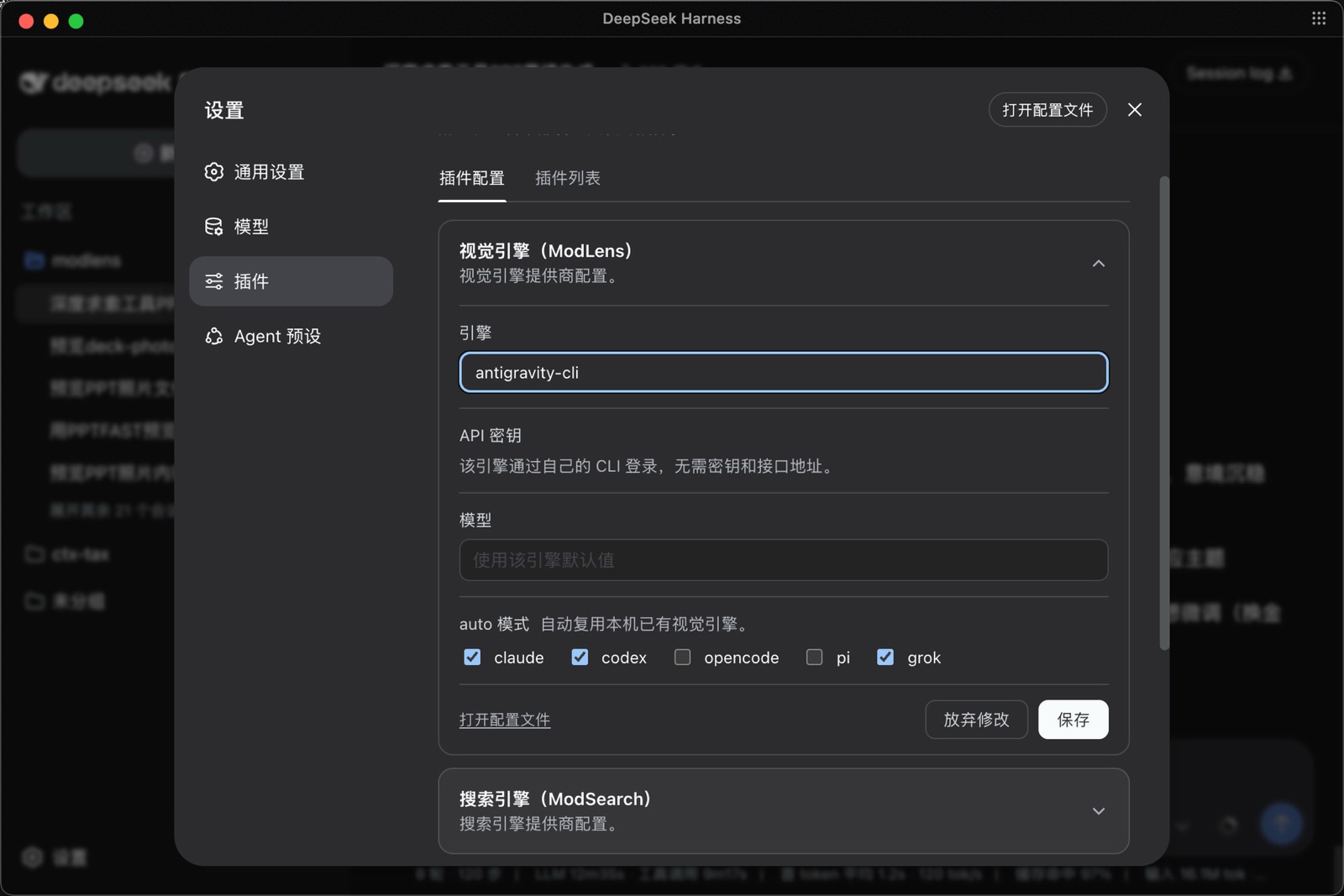
ModLens 是 DeepSeek Harness 的视觉插件,让纯文本模型直接读取聊天中粘贴的图片,无需保存文件或传路径,零配置并支持多引擎。
以提高 token 效率为目标,通过 OPS 工具、隐藏部分官方工具与按需动态加载,低侵入增强 Native/PTC 推理体验。